 AI Fantas
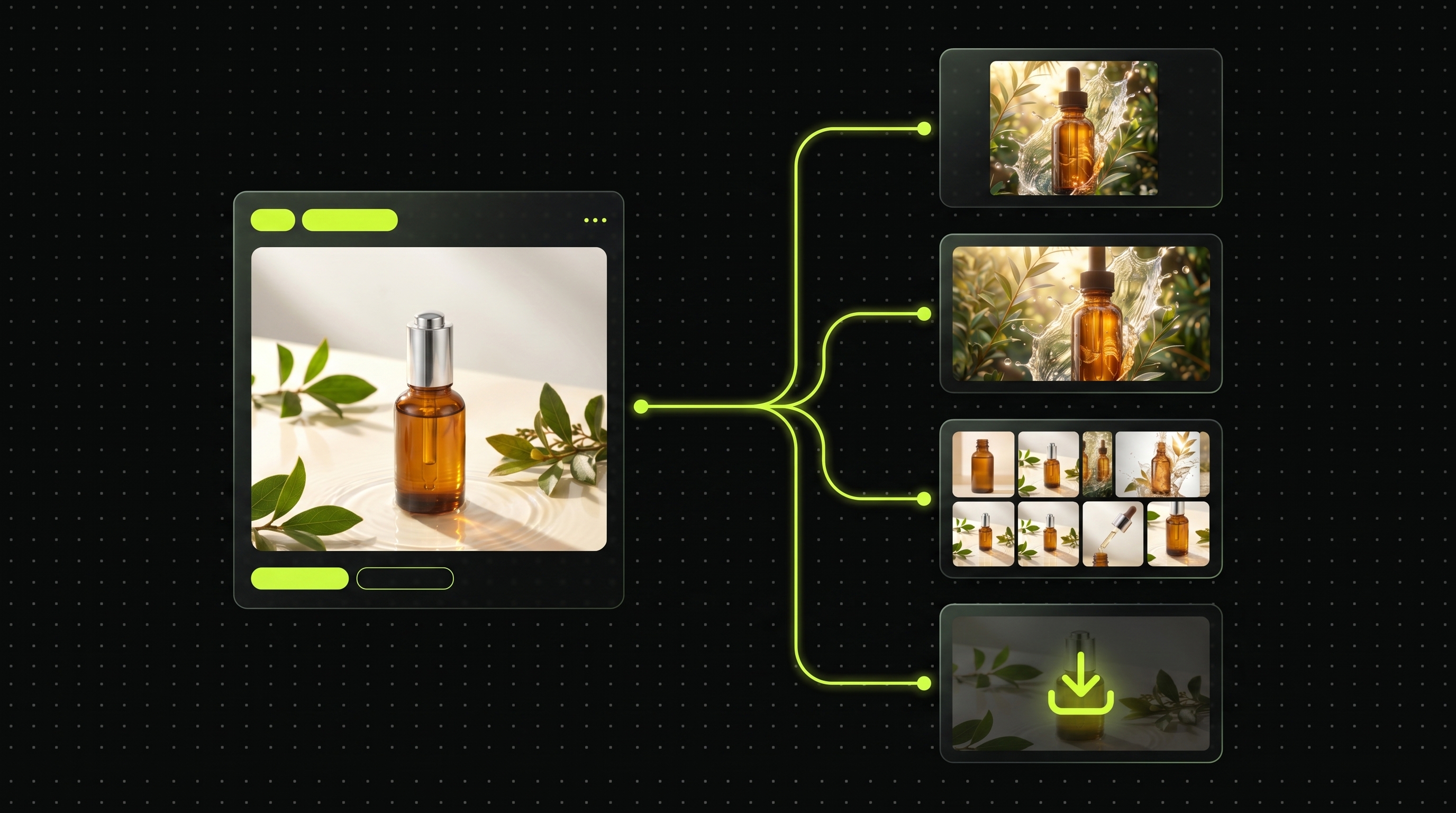
Cloud Node-Based AI Canvas: Visual Pipeline Control Without Local GPUs or Broken Plugins
Keep the repeatable multi-reference power of node workflows—without buying high-VRAM GPUs, installing Python weights, or debugging missing custom nodes across team laptops.
Recommended Specifications
| Placement | Format & Resolution | Creative Guidance |
|---|---|---|
| Hardware Requirement | Any MacBook, Windows laptop, or tablet browser | All diffusion, relighting, 4K upscaling, and video rendering run cleanly on cloud workers. |
| Team Reusability | 1-Click Clone from Community or Project History | Swap only the left-side input SKU node to reuse approved lighting pipelines. |
Workflow Steps
- Clone a proven visual pipeline from /cases or /community directly into your cloud workspace.
- Replace the product input reference node with your new SKU smartphone shot or cutout.
- Inspect intermediate candidates before running downstream 4K upscale or video nodes.
Copyable Prompt Recipes
Multi-Branch Cloud Node Product Scene & Upscale Pipeline Starter
Frequently Asked Questions
What happens if an upstream node fails or times out?
Pre-estimated credits for failed or timed-out upstream runs are automatically refunded in full to your account ledger.
Related AI Fantas Modules
Flagship Architecture
Open module →Cloud Node Workflow Canvas
Browser-based node workflow canvas by AI Fantas. A lightweight, team-shareable alternative to local ComfyUI setups for commercial e-commerce production.
Conversational Studio
Open module →Studio Chat Multi-Model
AI Fantas Studio Chat unifies multi-model AI image generation, conversational visual edits, and credit safety under one account.
Commercial Finishing
Open module →4K HD Upscaling
4K AI upscaling inside AI Fantas preserves product geometry while restoring realistic micro-textures on fabrics, cosmetics packaging, and electronics.