 AI Fantas
Convert Garment Flat-Lays & Hanger Shots into Multi-Market Model Lookbooks
Skip early sample shoot bottlenecks. Upload a clean hanger or tabletop garment photo to preview realistic fabric drape on studio or street-style fashion models across regions.
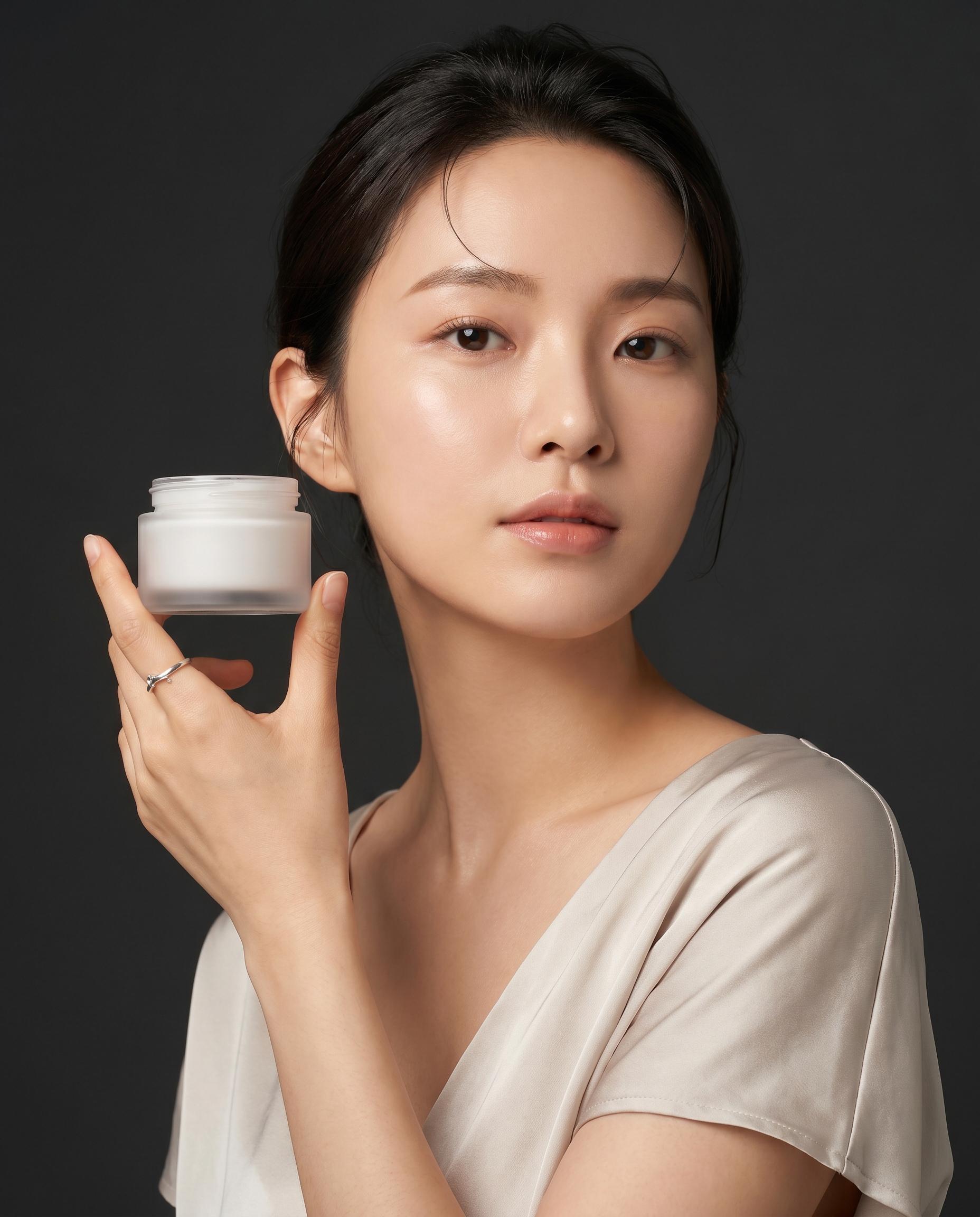
Recommended Specifications
| Placement | Format & Resolution | Creative Guidance |
|---|---|---|
| Studio Catalog Look | 3:4 Vertical Clean Seamless Backdrop | Specify complementary bottomwear and footwear so hero apparel remains focal. |
| Multi-Reference Model Consistency | Node 1 Garment + Node 2 Brand Model | Lock one recurring storefront model face across seasonal collections. |
Workflow Steps
- Smooth wrinkles on a well-lit tabletop or wall hanger and capture both collar and cuffs clearly.
- Specify target customer region, natural pose, lighting mood, and plain complementary bottoms.
- Inspect seams, button count, and print placement at 4K zoom before listing.
Copyable Prompt Recipes
Hanger or Flat-Lay Top to Editorial Studio Fashion Lookbook
Frequently Asked Questions
Can one garment photo output multiple international model looks?
Yes. Duplicate branches in the Canvas to preview Asian, European, or North American storefront casts.
Related AI Fantas Modules
Apparel & Fashion AI
Open module →AI Virtual Try-On
AI virtual try-on and fashion model generation by AI Fantas. Keep collars, prints, and fabric drape accurate across Asian, European, and North American lookbooks.
Motion & Short Video
Open module →AI Product Video
Turn static AI Fantas product photos into TikTok Shop, Reels, and marketplace hero videos with first/last-frame interpolation.
Flagship Architecture
Open module →Cloud Node Workflow Canvas
Browser-based node workflow canvas by AI Fantas. A lightweight, team-shareable alternative to local ComfyUI setups for commercial e-commerce production.