AI Fantas
Lighting Prompts for Glass, Skincare and Metal Products
Choose one material and one light direction. Establish the product structure before adding strong reflections, water or dramatic effects.
The example reference and prompt will be loaded for review. Choose a model and check its quote before generating.
Make your first version
Prepare your references
- A correctly exposed reference without large blown-out highlights.
- A background color and a single lighting direction.
Steps in AI Fantas
- Attach the product reference and choose an image model that supports references.
- Select the closest material prompt below. Replace only the product description and background color for the first attempt.
- Inspect the product structure, then adjust light size, direction or reflection intensity one variable at a time.
- Compare the glass thickness, metal color, stone settings and label visibility with the original before final layout.
Open Studio Chat · Open Canvas · Read the help center
A prompt you can adapt
Replace bracketed placeholders with your real product information. Available reference counts, aspect ratios, resolutions and prices depend on the model selected in the workspace.
Glass: soft edge lighting
Try this prompt →Matte packaging: broad soft light
Try this prompt →Metal: controlled highlight
Try this prompt →Perfume: geometric side light
Try this prompt →Check the result before using it
- Reflections must not hide the label or turn hollow glass into a solid object.
- Count links, settings and fastenings; inspect fine edges and dial markings.
- These prompts are adjustable starting points, not a simulation of a measured physical lighting setup.
If the first result needs work
If a highlight washes out details, request a larger, softer light and a smaller reflection area. Remove water and decorative effects until the product itself is stable.
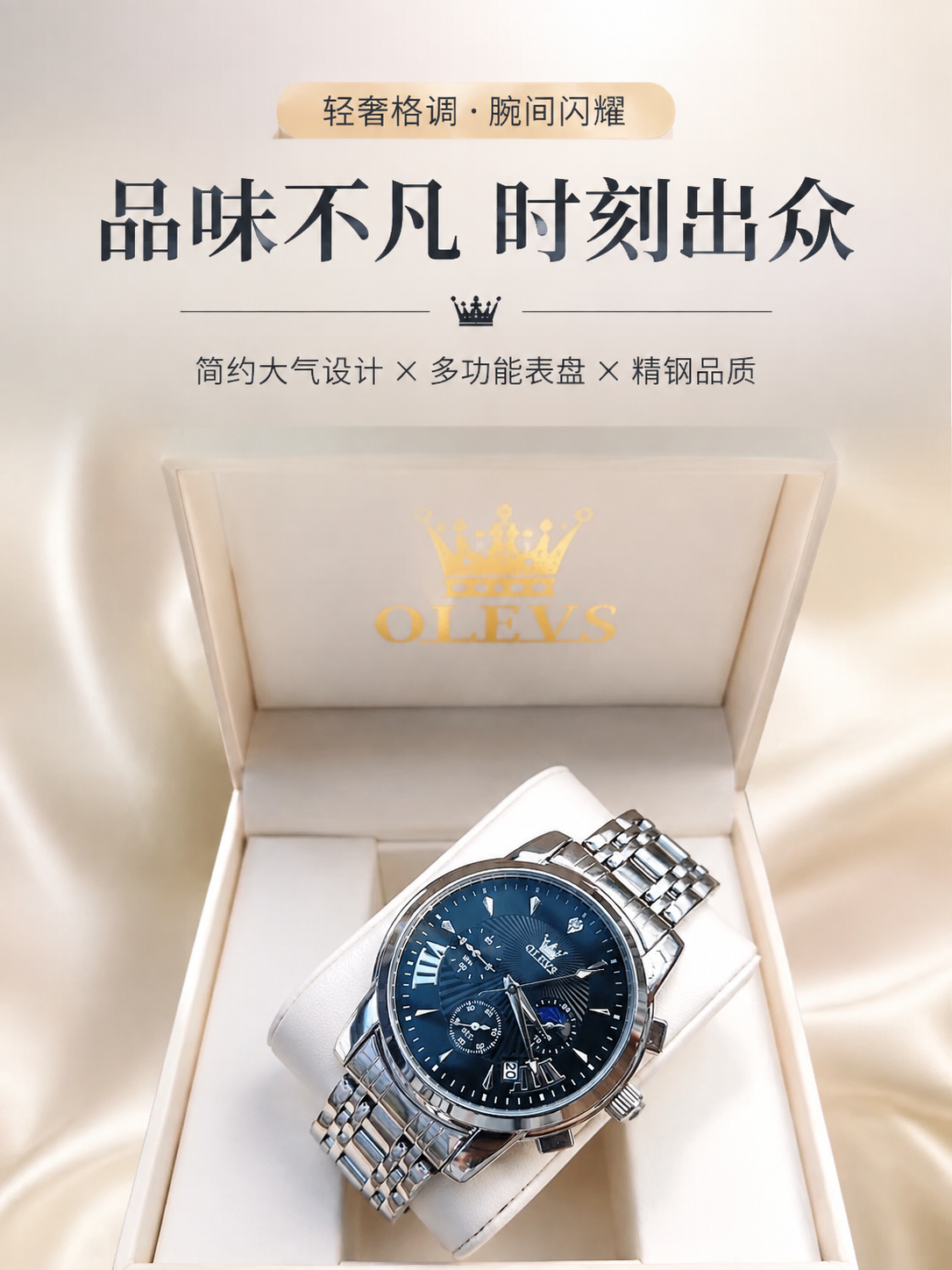
Blue watch: from reference to detail-page hero
The public workflow uses one watch reference to produce several detail-page sections. This excerpt selects the hero section, starting with one inspectable candidate.
Inspect the references and original prompt →