AI Fantas
Turn a Product Image into a Controlled Short Video
Approve the product image first. A small camera movement is easier to inspect than a first attempt that combines rotation, zoom and complex action.
The example reference and prompt will be loaded for review. Choose a model and check its quote before generating.
Make your first version
Prepare your references
- An approved still with the correct product shape, label and composition.
- A target aspect ratio and duration supported by the current video model.
Steps in AI Fantas
- Attach the approved still in Studio Chat, or connect it to a video-generation node in Canvas.
- Choose an image-to-video model. Check its reference requirements, available duration and live credit quote before submitting.
- Use one restrained motion, such as a slow push-in. Keep the product stationary for the first attempt.
- Watch the start, middle and end at normal speed and pause on details. Check the whole clip before exporting or using it in an advertisement.
Open Studio Chat · Open Canvas · Read the help center
A prompt you can adapt
Replace bracketed placeholders with your real product information. Available reference counts, aspect ratios, resolutions and prices depend on the model selected in the workspace.
A slow product push-in
Try this prompt →Minimal fabric movement
Try this prompt →Check the result before using it
- Inspect labels, handles, fastenings and product outlines across the entire clip.
- Provide an actual back-view reference if the shot needs to reveal the back of a product.
- A completed video is not evidence of advertising performance. Review its resolution, framing and intended usage separately.
If the first result needs work
If the product deforms, reduce motion and simplify the scene. A static camera with subtle environmental movement may work better than rotating a product with complex packaging.
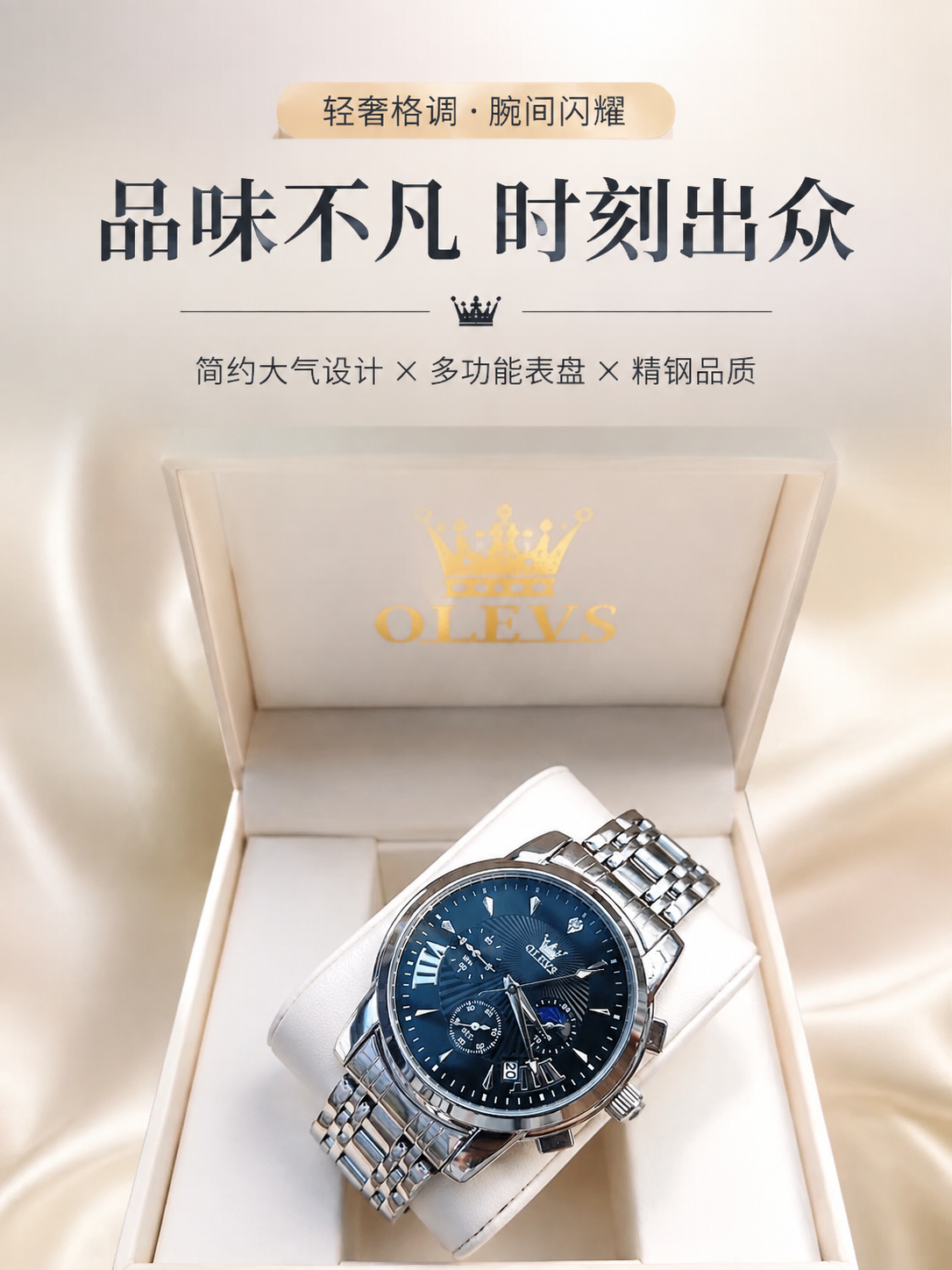
Blue watch: from reference to detail-page hero
The public workflow uses one watch reference to produce several detail-page sections. This excerpt selects the hero section, starting with one inspectable candidate.
Inspect the references and original prompt →