AI Fantas
From a Garment Reference to an AI Fashion Model
Treat the garment as the product specification and the person as a separate styling reference. Start with a simple pose so errors are easy to spot.
The example reference and prompt will be loaded for review. Choose a model and check its quote before generating.
Make your first version
Prepare your references
- A clear garment image; add a close-up only when a small print or fastening needs it.
- An optional model or pose reference that you are entitled to use. Check the selected model’s reference-image limit first.
Steps in AI Fantas
- Upload the garment and, if needed, a model reference. State explicitly which image provides the clothing and which provides the person.
- Choose a simple front-facing pose with relaxed arms and minimal occlusion. Describe the setting and lighting separately from the garment.
- Generate a single candidate and compare the neckline, closure, sleeve length, pockets and print placement with the real garment.
- Once the product details are acceptable, vary the setting or pose. Keep a record of the approved reference and inspect each new result again.
Open Studio Chat · Open Canvas · Read the help center
A prompt you can adapt
Replace bracketed placeholders with your real product information. Available reference counts, aspect ratios, resolutions and prices depend on the model selected in the workspace.
Two-reference fashion composition
Try this prompt →One garment, simple studio pose
Try this prompt →Check the result before using it
- Count buttons and inspect seams, prints, sleeve ends and openings.
- Inspect fingers, hands and the boundaries between fabric and skin.
- An AI styling image does not establish real sizing, fit, fabric performance or how an individual customer will look.
If the first result needs work
If two references are mixed up, name their roles at the start of the prompt. If the model accepts only one reference, use the single-garment prompt instead of forcing a second image.
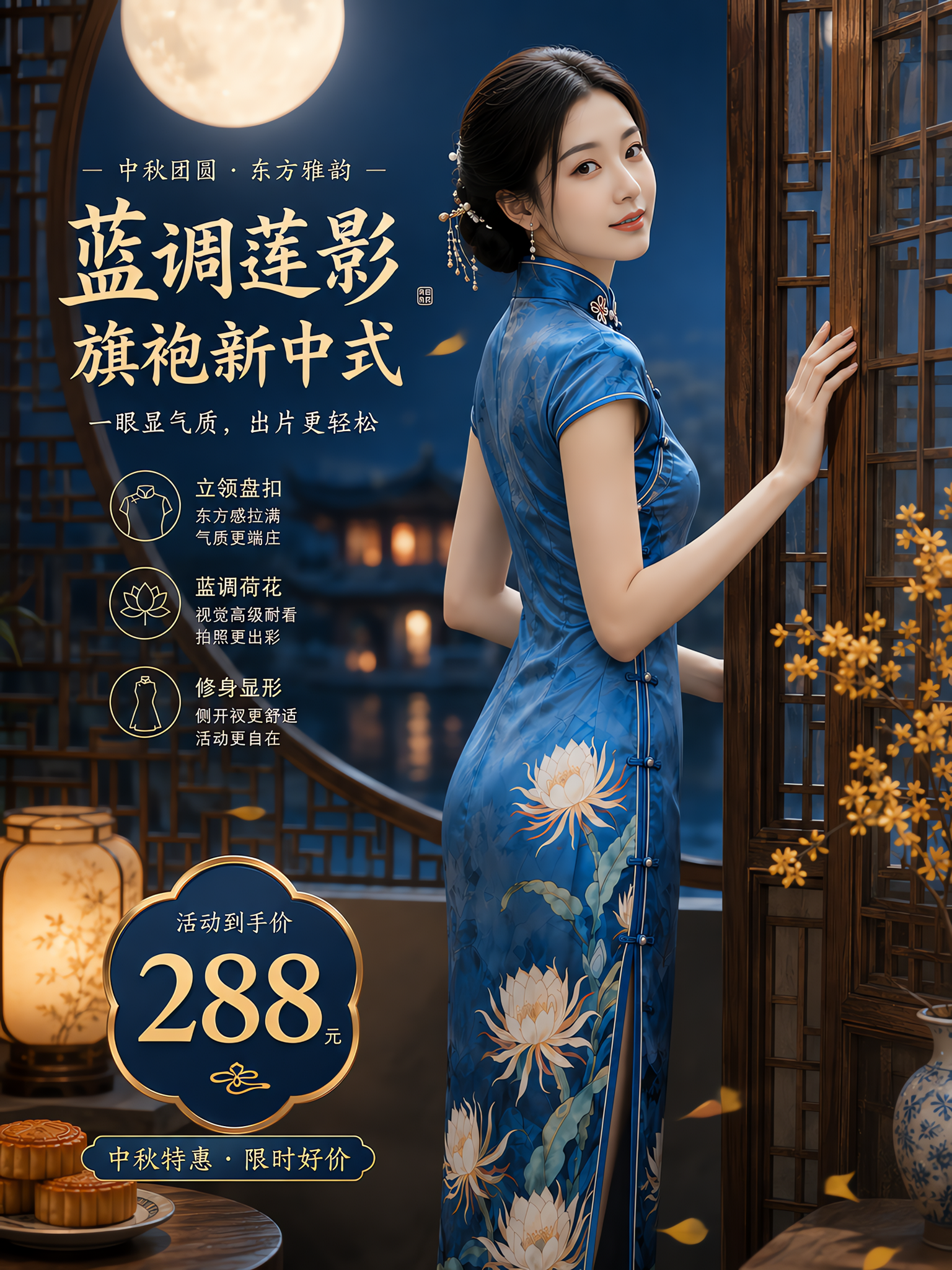
Blue qipao: a two-reference fashion composition
The published graph prepares garment and model references before combining two images in a try-on step. The original upload, step references and result are shown separately.
Inspect the references and original prompt →