AI Fantas
Build Your First Reusable AI Product Workflow
Build a small, inspectable workflow before adding branches. A reusable graph should make its input references and decision points easy to understand.
The example reference and prompt will be loaded for review. Choose a model and check its quote before generating.
Make your first version
Prepare your references
- One product reference and two scene descriptions.
- A clear name for the project and a place to keep the approved final image.
Steps in AI Fantas
- Open Canvas, add an image node and upload the product reference. You can inspect the original community case before building your own graph.
- Connect the image node to one image-generation node. Choose the model, aspect ratio and current credit quote, then add a baseline prompt.
- Create a second branch from the same reference and change only the scene description. Submit the first branch before scaling up.
- Compare the outputs, keep the approved version and check the project’s cloud-save state before leaving. Connect a video node only after approving the still.
Open Studio Chat · Open Canvas · Read the help center
A prompt you can adapt
Replace bracketed placeholders with your real product information. Available reference counts, aspect ratios, resolutions and prices depend on the model selected in the workspace.
Branch A: quiet studio
Try this prompt →Branch B: natural setting
Try this prompt →Check the result before using it
- Check each connection so a style image is not accidentally used as the product specification.
- Parallel generation depends on the account, model and current queue. Validate one branch before increasing the count.
- A browser canvas reduces local setup. Evaluate a local workflow separately if you need custom weights or low-level controls.
If the first result needs work
If results vary across branches, reduce the number of changing variables. Keep the reference and model consistent, then vary lighting or scene one at a time.
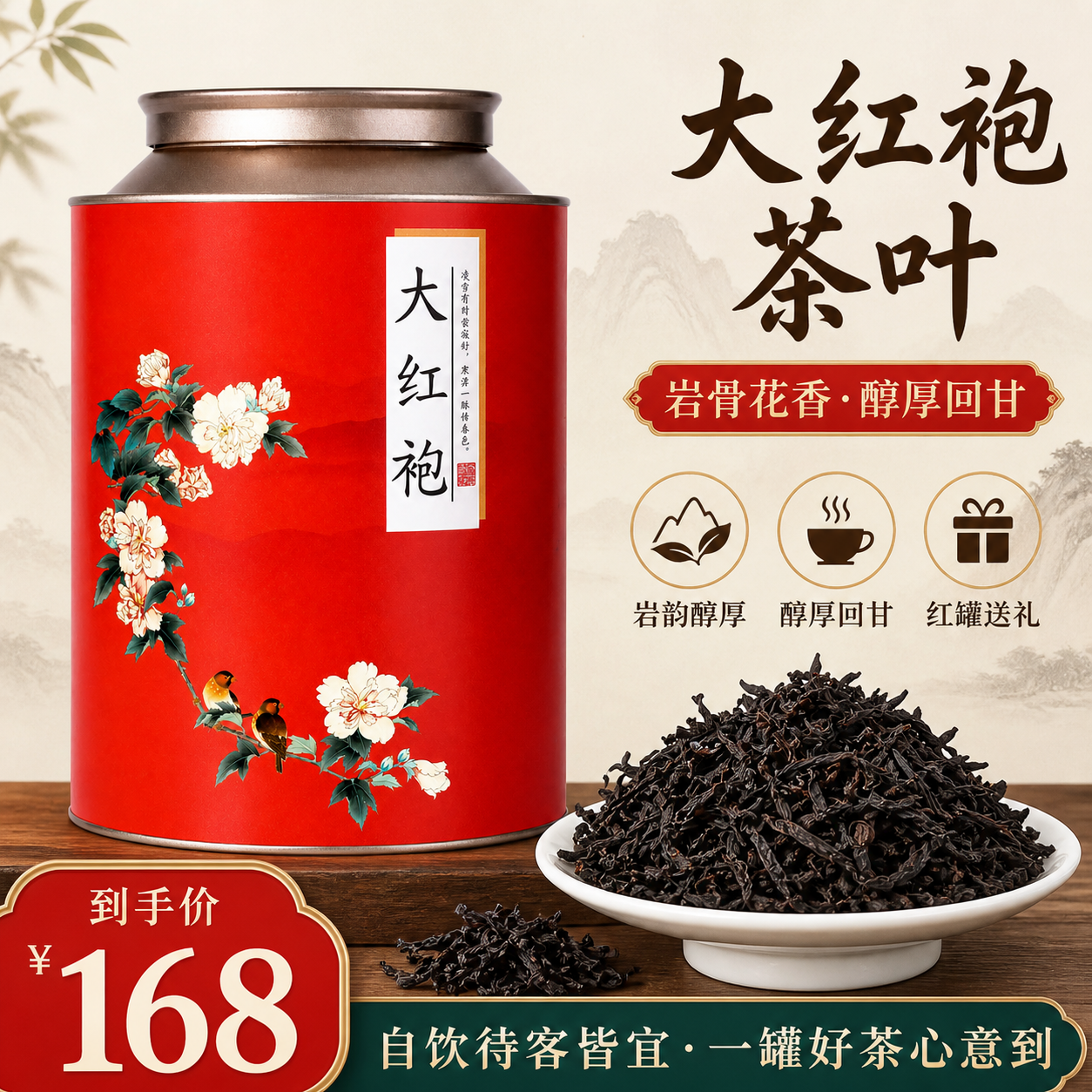
Tea gift campaign: from product views to a hero
The public workflow prepares product views, tea assets and a visual plan before producing campaign images. This page selects one hero-image branch.
Inspect the references and original prompt →