
AI Fantas vs. Jimeng AI: Single-Vendor Creative Feed vs. Multi-Model E-Commerce Canvas
Jimeng AI (Dreamina) is fast and fluid when you want single-vendor creative images and short clips in one model family. When commercial e-commerce teams need to compare multiple image, 4K upscale, and video models side by side and lock multi-reference workflows into cloneable team nodes, AI Fantas removes single-vendor lock-in.
Why do commercial visual teams pair or move from single-vendor tools like Jimeng AI to AI Fantas?
No single model leads across every commercial task, from sharp packaging typography and jewelry reflections to regional fashion try-on and stable product push-in video. AI Fantas unifies multi-vendor image, upscale, and video models inside one credit balance, cloneable node canvas, and approval-gated MCP server.
AI Fantas vs. Jimeng AI (Dreamina): 6-Dimension Comparison
| Evaluation Dimension | AI Fantas | Jimeng AI (Dreamina) |
|---|---|---|
| Model Ecosystem | Multi-vendor image, 4K upscale, and video models under one account & credit pool | Centered around one proprietary first-party image and video model family |
| Multi-Branch Node Graph | Infinite Node Canvas chaining references, branches, upscales, and video nodes | Feed-based prompt workflow with lighter single-canvas local editing |
| Template & SOP Reuse | Cloneable multi-step community node graphs across 14 category hubs | Single-step prompt inspiration cloning from public creative feeds |
| Storefront Video Anchoring | Image-first verification followed by multi-model first-frame video anchoring (1-60s) | Image-to-video continuity tied strictly to first-party video engines |
| Global & Cross-Border UX | Unified 6-language workspace with dedicated English & Chinese SEO playbooks | Split domestic vs. global app ecosystems and regional feature parity |
| Failure Credit Protection | Upfront per-model credit preview with automatic full refund on upstream failures | Daily allowance and tier credit deductions per run |
Why E-Commerce Teams Add or Switch to AI Fantas from Jimeng AI (Dreamina)
Single-model bias across diverse SKU materials
One model may excel at skincare lighting while another preserves watch dials or produces steadier product video push-ins; AI Fantas lets you route each step to the strongest model.
Feed-style prompt history gets buried during catalog launches
Node Canvas turns multi-view references, A+ detail plates, 4K crops, and frame-1 anchored videos into clean visual blueprints your whole team can clone.
Unified cross-border & domestic marketplace workflow playbooks
Run Amazon, Shopify, and TikTok Shop listings alongside domestic platforms under one multilingual workspace instead of split regional accounts.
External agent access via open Streamable HTTP MCP
Trigger quoted multi-model image and 1-60s video jobs directly from Claude Desktop, Cursor, or OpenClaw via fantas-ai-connect.
- Teams wanting side-by-side multi-vendor model routing so the best image, upscale, and video models serve each SKU.
- E-commerce brands turning static hero frames into 1-60s storefront clips inside cloneable Node Canvas graphs.
- Cross-border sellers and developers needing unified bilingual UX plus remote MCP endpoints.
- Narrative short-drama creators who specifically love one model family’s aesthetic and lip-sync/motion style.
- Quick single-shot creative exploration without needing reusable node graphs or multi-vendor benchmarking.
- Creators closely tied to one content platform’s native mobile editing and publishing ecosystem.
10-Minute Side-by-Side Evaluation Plan
- Upload an approved static product photo into AI Fantas Studio Chat or Canvas.
- Compare two visual models or connect your approved hero image as Frame 1 into a video node.
- Keep product geometry steady by prompting a slow smooth push-in with subtle ambient light motion.
- Clone a multi-branch e-commerce graph from /community to standardize your next catalog launch.
First-frame anchored slow push-in storefront video prompt
Published Workflow Case Breakdowns
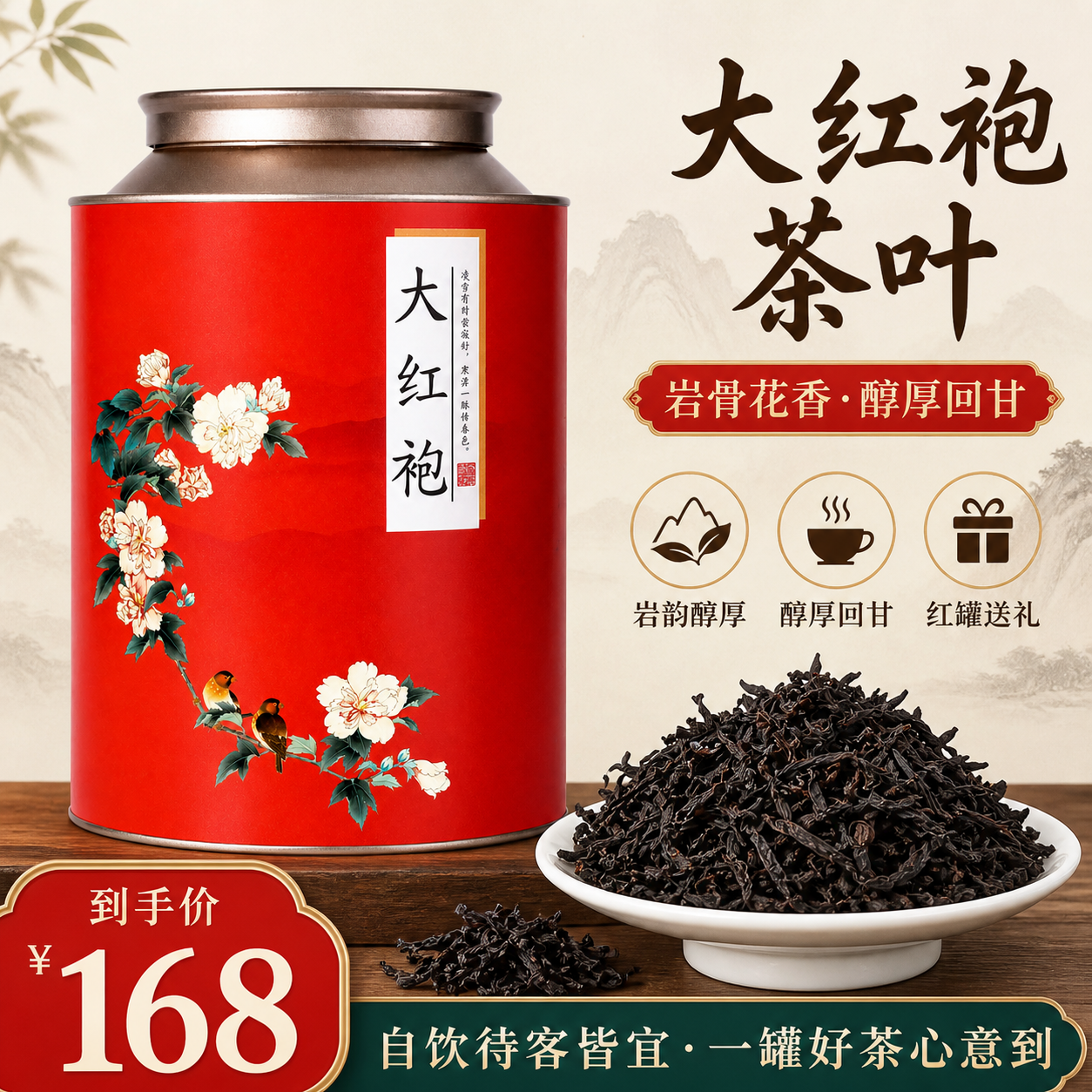 Node workflow
Tea gift campaign: from product views to a hero
The public workflow prepares product views, tea assets and a visual plan before producing campaign images. This page selects one hero-image branch.
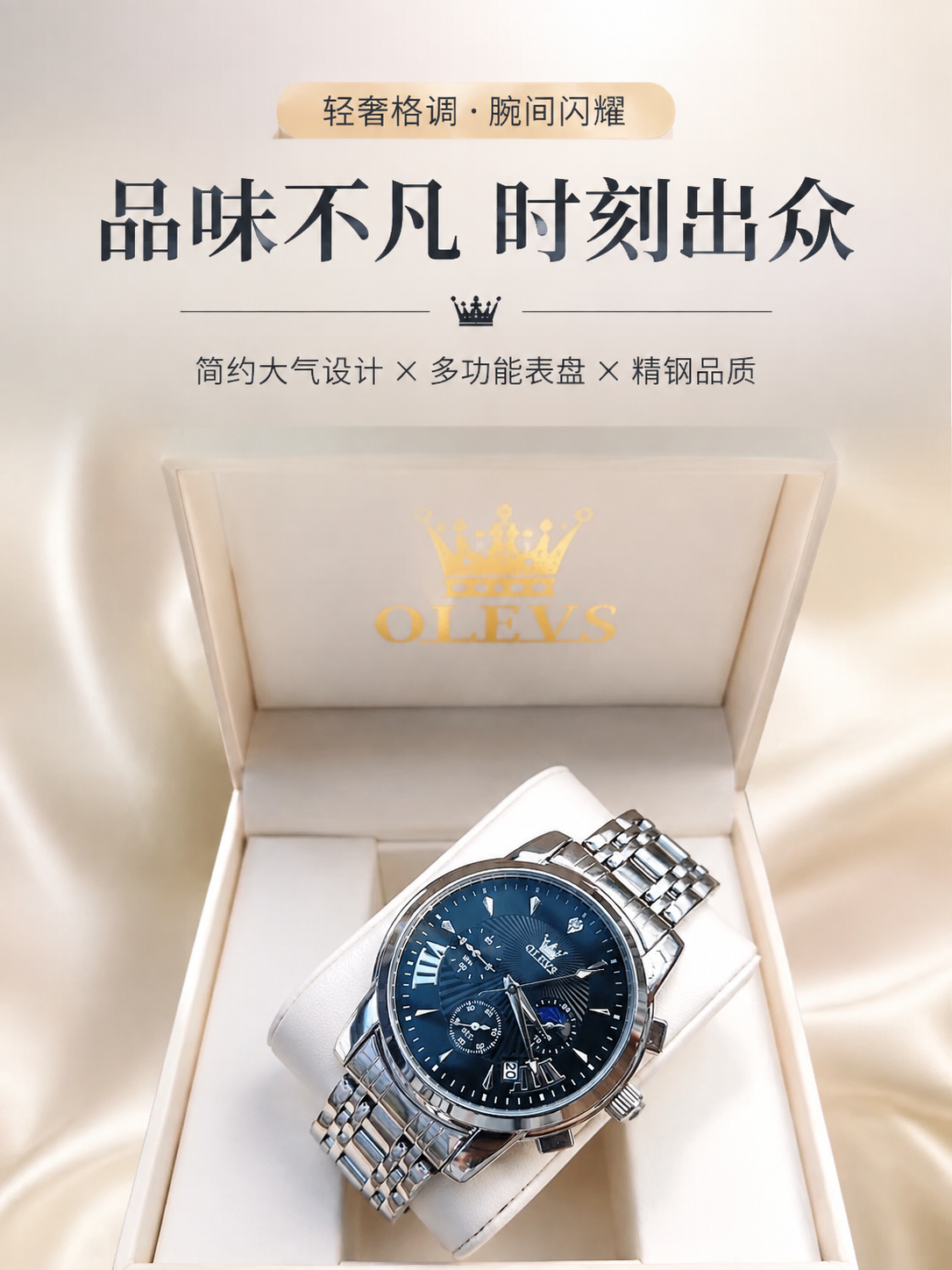 Detail-page design
Blue watch: from reference to detail-page hero
The public workflow uses one watch reference to produce several detail-page sections. This excerpt selects the hero section, starting with one inspectable candidate.
Frequently Asked Questions
Do I need separate subscriptions for image, 4K upscale, and video models in AI Fantas?
No. One AI Fantas credit pool covers all supported image, upscale, and video models, with transparent credit quotes displayed before every task.
How do I prevent product text from warping in AI product videos?
Validate and finalize your static hero frame in an image node first, anchor it as Frame 1 of the video node, and keep camera motion limited to a slow smooth push-in rather than fast spins.
What video durations does AI Fantas support?
Depending on the selected video model, AI Fantas supports configuring clips from 1 to 60 seconds with optional generated audio; exact specs and credit quotes appear before submission.
Related AI Fantas Modules & Channel Playbooks
Studio Chat Multi-Model
AI Fantas Studio Chat unifies multi-model AI image generation, conversational visual edits, and credit safety under one account.
AI Product Video
Turn static AI Fantas product photos into TikTok Shop, Reels, and marketplace hero videos with first/last-frame interpolation.
Cloud Node Workflow Canvas
Browser-based node workflow canvas by AI Fantas. A lightweight, team-shareable alternative to local ComfyUI setups for commercial e-commerce production.