
AI Fantas vs. Flair.ai & Pebblely: Staging Props vs. Full Visual Pipelines
Flair.ai and Pebblely are intuitive drag-and-drop canvases for placing cutout bottles into themed prop scenes. AI Fantas goes further when you need multi-turn conversational retouching, multi-reference Node Canvas automation, virtual fashion try-on, 4K upscaling, and anchored product videos in one place.
When should DTC brands upgrade from Flair.ai or Pebblely to AI Fantas?
If your output stops at static prop staging for bottles and boxes, drag-and-drop scene builders work well. When you need consistent 6-module A+ pages, apparel try-on, side-by-side model switching, and image-to-video clips without juggling separate subscriptions, AI Fantas unifies the entire chain.
AI Fantas vs. Flair.ai & Pebblely: 6-Dimension Comparison
| Evaluation Dimension | AI Fantas | Flair.ai & Pebblely |
|---|---|---|
| Creation Interface | Conversational Studio Chat + cloud Node Workflow Canvas | Drag-and-drop cutout staging canvas with prop templates |
| Multi-Turn Lighting & Material Edits | Iterative chat edits on surfaces, shadows, and framing without starting over | Typically requires repositioning props or regenerating the entire scene |
| Apparel & Virtual Try-On | Dedicated two-reference garment-to-model workflows across diverse regions | Optimized primarily for hard-goods, bottles, and packaged CPG staging |
| Downstream Video & 4K Upscale | Same-canvas 4K upscale + first-frame product video generation (1-60s) | Centered on static staging imagery; video requires external apps |
| Community Cloning & MCP | 1-click cloneable community node templates + remote Streamable HTTP MCP | Preset scene libraries and in-app brand templates |
| Failure Credit Guarantee | Upfront credit quote per run + automatic full refund on errors or timeouts | Monthly image allowance; exploratory reruns count toward quota |
Why E-Commerce Teams Add or Switch to AI Fantas from Flair.ai & Pebblely
Static prop compositing breaks down when angles or lighting must adapt
Drag-and-drop overlays can feel pasted unless lighting matches; Studio Chat lets you refine tabletop texture, rim light, and shadow angle through natural follow-up turns.
No direct bridge to 4K detail crops and TikTok/Amazon video clips
Inside AI Fantas Canvas, one approved hero image branches directly into a 4K upscale node and a first-frame anchored 5-second video node.
Apparel and multi-reference try-on sit outside prop-staging tools
Two-reference nodes pair a garment flat-lay with a regional model reference to keep collar, closures, and fabric drape consistent.
Single-pipeline lock-in vs. multi-model testing
Different SKUs (glass skincare, jewelry, textiles) perform better on different visual models; AI Fantas lets you compare models on the same prompt and credit balance.
- DTC brands producing both static Shopify/Amazon listing plates and 9:16 TikTok Shop video clips from one asset.
- Cross-border teams selling both hard goods and apparel who want one workspace for staging, try-on, and 4K upscales.
- Designers who want to test multiple visual models on tricky labels and save winning node pipelines for SKU batches.
- Teams that prefer manually dragging 3D/2D prop elements onto a canvas for strict foreground placement.
- Catalogs consisting exclusively of simple packaged CPG items needing fast themed backdrop swaps.
- Marketers already satisfied with static staging scenes and existing template libraries.
10-Minute Side-by-Side Evaluation Plan
- Upload one packaged SKU image to AI Fantas Studio Chat and request a daylight countertop composition.
- Use a follow-up chat prompt to adjust surface material and left-side negative space for listing callouts.
- Inspect a published multi-view workflow such as /en/cases/tea-gift-campaign to see how reference nodes chain.
- Send the approved candidate directly into a 5-second slow push-in video node to output a storefront clip.
DTC skincare countertop scene with daylight caustics & callout margin
Published Workflow Case Breakdowns
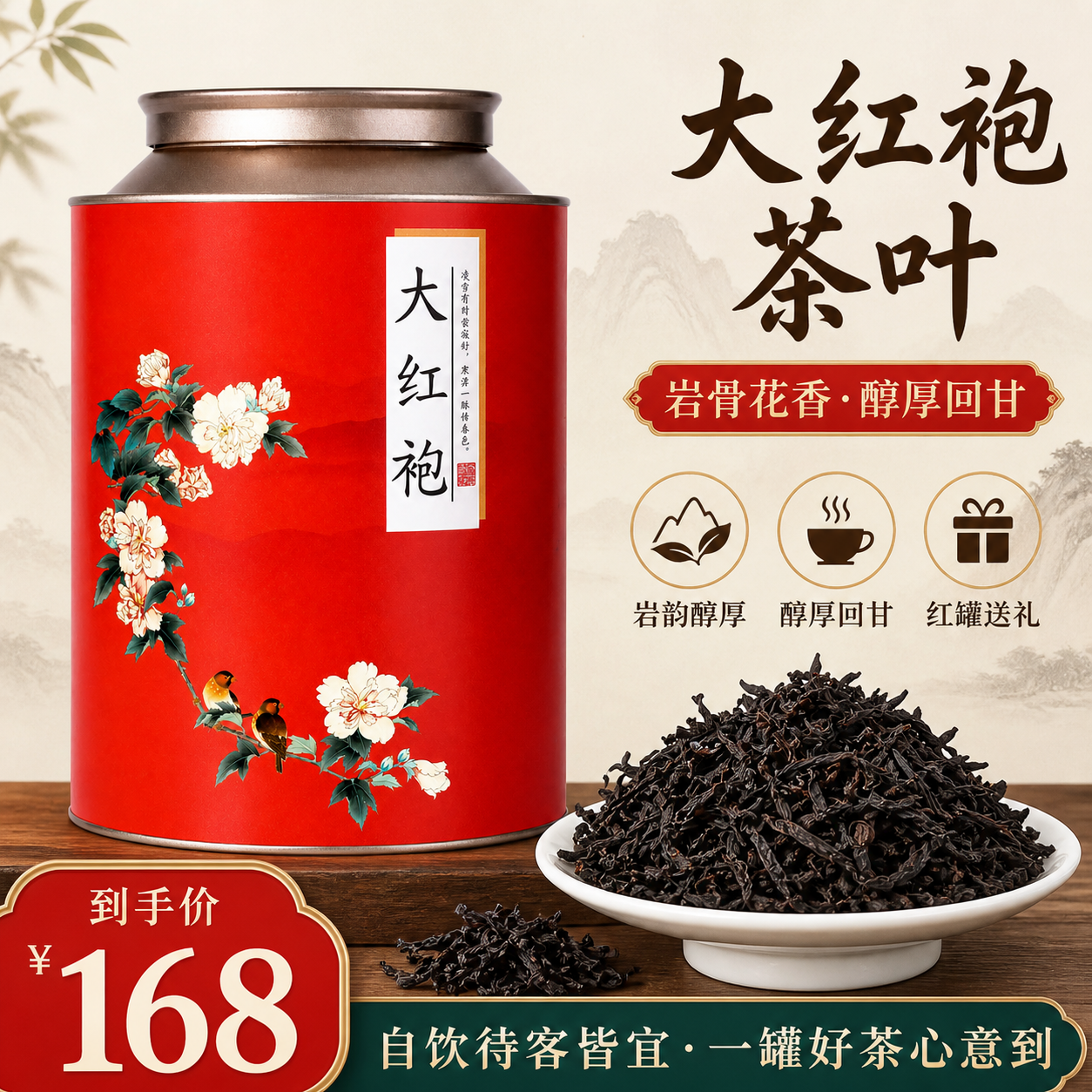 Node workflow
Tea gift campaign: from product views to a hero
The public workflow prepares product views, tea assets and a visual plan before producing campaign images. This page selects one hero-image branch.
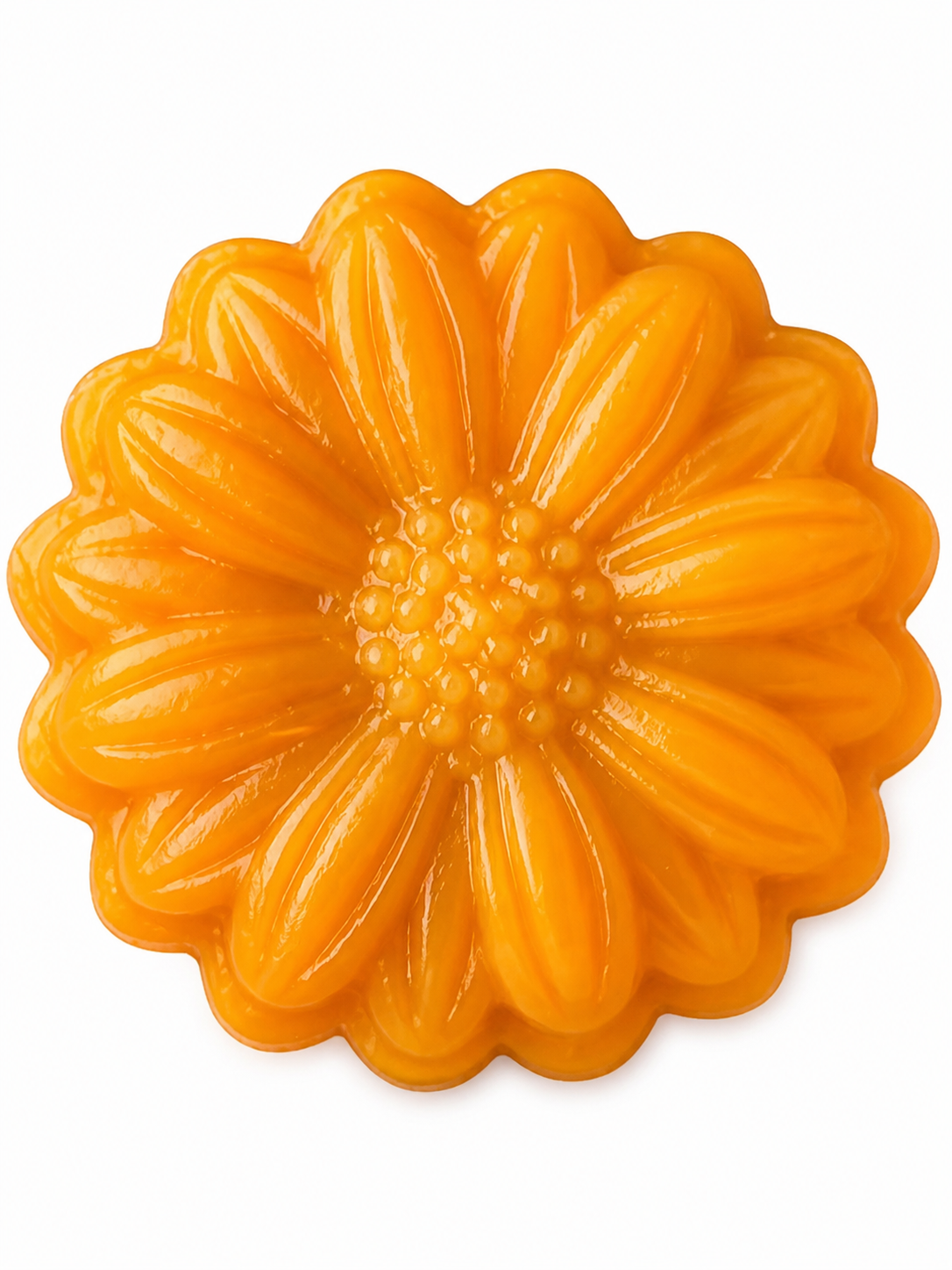 Product photography
Mooncake product photo: from crop to clean hero
A published product workflow that cleans up a hero image before exploring product views and gift packaging. This excerpt focuses on its product-photo step.
Frequently Asked Questions
How does AI Fantas help avoid the pasted-on look in AI product staging?
By keeping the original photo as a reference constraint inside the generator rather than simply pasting a static cutout on top, lighting, contact shadows, and surface reflections blend more naturally, and you can refine them iteratively in Studio Chat.
Can I reuse one winning background style across 20 SKUs?
Yes. Build or clone a node workflow in AI Fantas Canvas, lock your prompt and style reference node, and swap only the product image node for each new SKU.
Is there risk of losing credits on failed batch generations?
No. Every task displays its upfront credit quote first, and failed or timed-out upstream runs are automatically refunded in full.
Related AI Fantas Modules & Channel Playbooks
AI Product Photography
Cloud AI product photography by AI Fantas for Shopify, Amazon, and DTC brands. Replace physical studio shoots with perspective-matched scenes, batch variations, and 4K upscaling.
Cross-Border Localization
Cross-border ecommerce visual localization by AI Fantas for Shopify, Amazon FBA, TikTok Shop, Temu, and Shein sellers.
Cloud Node Workflow Canvas
Browser-based node workflow canvas by AI Fantas. A lightweight, team-shareable alternative to local ComfyUI setups for commercial e-commerce production.
Beauty & Skincare
AI commercial beauty and skincare photography with packaging fidelity and realistic liquid light refraction by AI Fantas.
Shopify & TikTok Shop Visuals
AI visual workflow for Shopify DTC brands and TikTok Shop sellers: web banners, native creator aesthetics, and 9:16 motion hooks powered by AI Fantas.