
AI Fantas vs. Weavy: Cloud Node Workflows Built for E-Commerce Teams
Weavy shines for art directors and VFX-minded creators assembling custom generative graphs from scratch. AI Fantas combines a zero-GPU browser Node Canvas with multi-turn Studio Chat, 1-click cloneable e-commerce templates, remote MCP access, and automatic failure credit refunds for fast-moving sellers.
How does AI Fantas compare to Weavy for commercial product teams?
Both run multi-model visual graphs in the browser without local GPUs. AI Fantas pairs that node engine with conversational Studio Chat under one credit pool, pre-built e-commerce templates for try-on and A+ sets, 6 UI languages, and automatic full refunds when an upstream model times out.
AI Fantas vs. Weavy: 6-Dimension Comparison
| Evaluation Dimension | AI Fantas | Weavy |
|---|---|---|
| Primary Audience & Fit | E-commerce sellers, cross-border brands, and visual designers shipping SKU sets | Art directors, creative technologists, and experimental visual studios |
| Dual Mode (Chat + Canvas) | Integrated Studio Chat + Node Canvas sharing one account and credit ledger | Focused around node-graph composition and visual compositing tools |
| Pre-Built E-Commerce Templates | Cloneable try-on, packshot, detail-page, and product-video templates in /community | General creative mixing, mask compositing, and artistic node recipes |
| Language & Cross-Border Ecosystem | EN/ZH/JA/KO/VI UI plus bilingual channel playbooks (Amazon, Shopify, Taobao, Douyin) | English-first creative studio environment |
| Agent-Native MCP Integration | Built-in /.well-known/mcp.json & Streamable HTTP endpoint (/api/mcp) | Interactive browser workspace without public MCP quote-approval endpoints |
| Failure Credit Protection | Upfront per-node credit preview with automatic full refund on upstream failures | Compute credits consumed per node execution inside plan tiers |
Why E-Commerce Teams Add or Switch to AI Fantas from Weavy
Blank canvases slow down repeatable SKU launches
Building graphs from scratch takes time; AI Fantas /community offers 14 category hubs of ready-to-clone e-commerce, packaging, and video workflows.
Not every quick revision needs a full node graph edit
Merchants and marketers can hop into Studio Chat for fast conversational tweaks while designers build multi-branch batch pipelines on the Canvas.
Channel-specific e-commerce guidance & multilingual UI
Dedicated Amazon, Shopify, and TikTok Shop specs sit right beside 6 interface languages, helpful for global sourcing and cross-border teams.
Approval-gated MCP endpoints for agent workflows
Use fantas-ai-connect to run quoted image and video tasks directly from Cursor, Claude Desktop, or custom automation scripts.
- E-commerce and DTC teams who want cloneable virtual try-on, product staging, and video pipelines out of the box.
- Cross-functional teams where designers manage Node Canvas templates while marketers iterate quickly in Studio Chat.
- Cross-border sellers bridging US/EU marketplaces and Asian supply-chain design teams in 6 supported languages.
- Art directors doing complex bespoke multi-pass compositing, masking, and stylized commercial look-development.
- Experimental creative agencies crafting unique one-off art campaigns rather than standardized product catalogs.
- Teams already standardized on specific compositing nodes inside Weavy.
10-Minute Side-by-Side Evaluation Plan
- Browse /community or /en/cases/tea-gift-campaign to inspect how product views and prompt nodes connect.
- Clone a public workflow into AI Fantas Canvas and swap the product reference input with your SKU photo.
- Test a quick conversational lighting revision in Studio Chat using the same account balance.
- Chain a 4K upscale node and 5-second video node on your approved hero output.
Multi-view packaging reference to warm tabletop hero
Published Workflow Case Breakdowns
 Node workflow
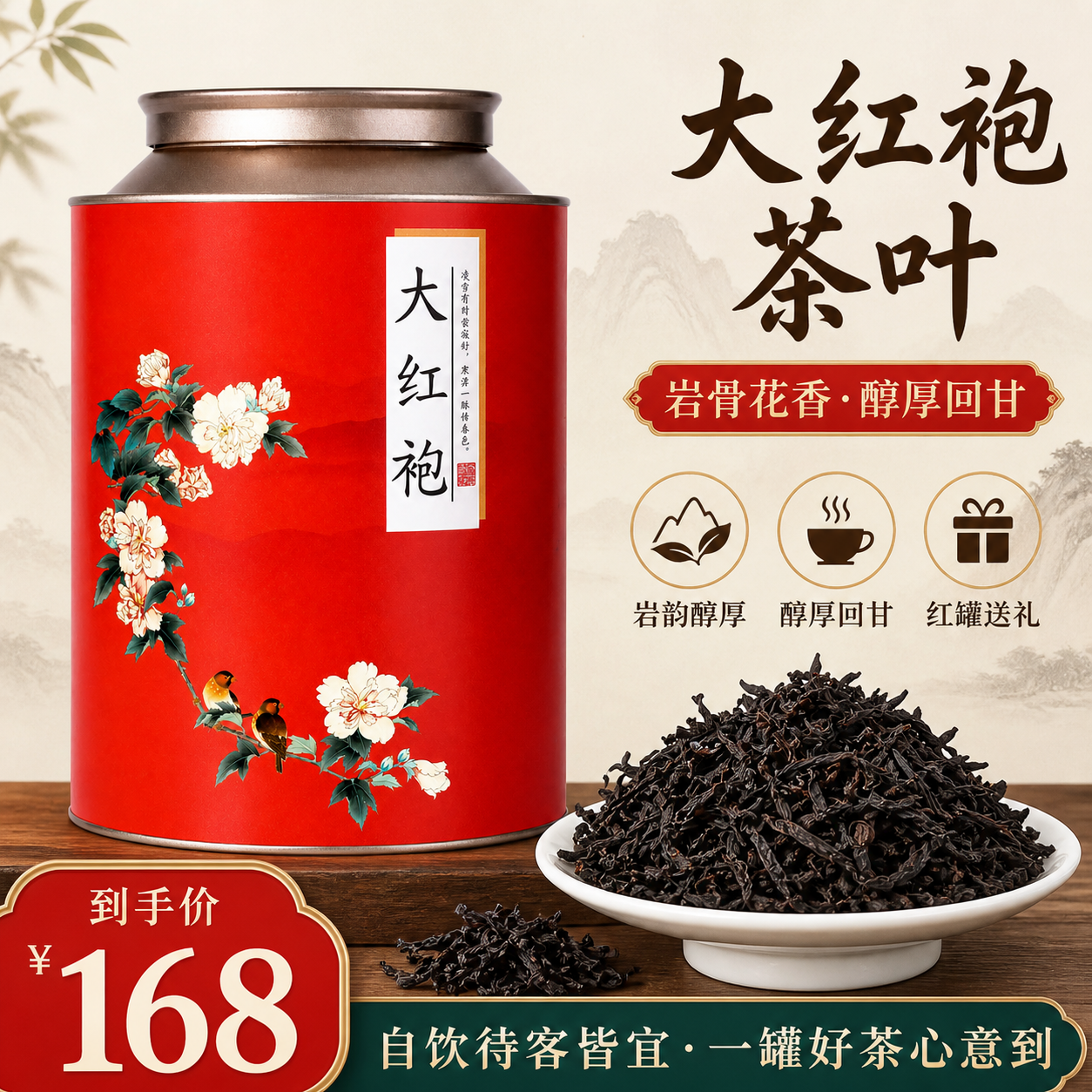
Tea gift campaign: from product views to a hero
The public workflow prepares product views, tea assets and a visual plan before producing campaign images. This page selects one hero-image branch.
 Virtual try-on
Blue qipao: a two-reference fashion composition
The published graph prepares garment and model references before combining two images in a try-on step. The original upload, step references and result are shown separately.
Frequently Asked Questions
Do I need any local GPU or ComfyUI weights to run AI Fantas Canvas?
No. Everything executes in the cloud via Chrome or Safari on standard office laptops or MacBooks.
If one downstream node fails in a multi-branch workflow, am I charged for it?
No. Every node quotes its own credits upfront, and any node that fails or times out upstream is automatically refunded in full.
Can I keep Studio Chat edits and Node Canvas assets in the same project flow?
Yes. Both tools belong to the same AI Fantas workspace and share uploaded references, credits, and output history.
Related AI Fantas Modules & Channel Playbooks
Cloud Node Workflow Canvas
Browser-based node workflow canvas by AI Fantas. A lightweight, team-shareable alternative to local ComfyUI setups for commercial e-commerce production.
Studio Chat Multi-Model
AI Fantas Studio Chat unifies multi-model AI image generation, conversational visual edits, and credit safety under one account.
AI Product Video
Turn static AI Fantas product photos into TikTok Shop, Reels, and marketplace hero videos with first/last-frame interpolation.
Cloud Alternative to Local Nodes
Browser-based cloud node AI canvas by AI Fantas: repeatable e-commerce product, 4K upscale, and image-to-video pipelines with zero local hardware setup.