
GPT Image 2.6 Tutorial: White-Background Product Photos
We used GPT Image 2.6 Sunburst to generate one 1024 × 1024 white-background banana image from text. Use the sample to study framing and contact shadows, then apply the lighting setup to a photo of your own product.
This opens a draft. Choose GPT Image 2.6 in the workspace and add your own reference if needed.
AI Fantas test images and original prompts
AI Fantas generated this sample using the GPT Image 2.6 Sunburst route. The test used text alone to inspect framing and lighting.
White tabletop studio shot from text
· Sunburst · 1:1 · 1024 × 1024 · No image reference
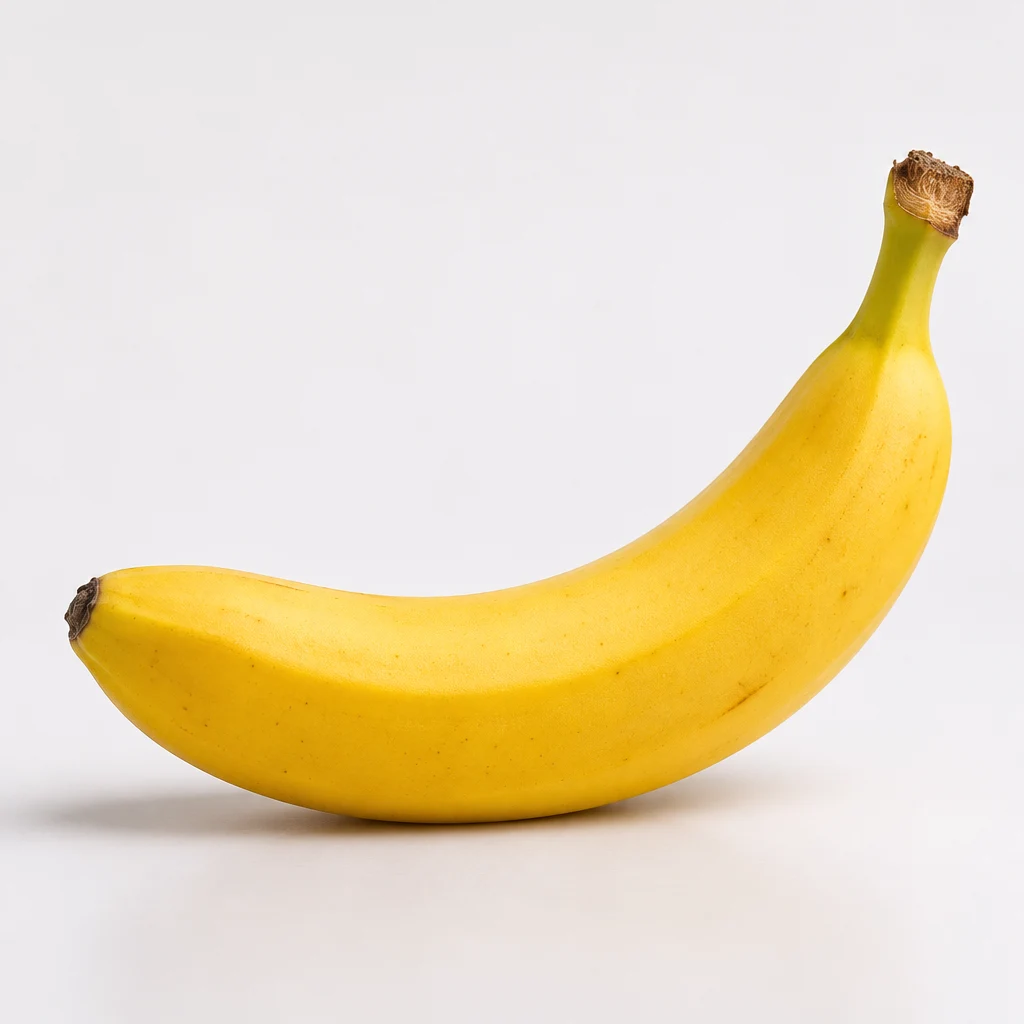
A single yellow banana on a white table, soft studio product photograph, no text.
The images shown are resized copies of the original outputs. The listed dimensions are those of the original files. GPT Image 2.6 official documentation
Make your first version
Prepare your references
- One clear photo of the physical product, where the shape and label are easy to read.
Steps in AI Fantas
- Open the product photography workflow and switch Studio Chat to image mode.
- Choose GPT Image 2.6, upload your product photo and start with one square result.
- Adapt the prompt below to your item. Specify the white background, lighting and details to preserve. Check the quote before submitting.
- Compare the candidate with the original photo before editing or exporting it.
Open Studio Chat · Open Canvas · Read the help center
A prompt you can adapt
Replace bracketed placeholders with your real product information. Available reference counts, aspect ratios, resolutions and prices depend on the model selected in the workspace.
White-background product image with soft light
Check the result before using it
- Check where the item meets the surface and whether the shadow reads naturally.
- Confirm the shape, colors, label, included accessories and quantity against the source.
- Crop to the listing ratio and make sure the product edges remain visible on white.
What to check in a white-background image
The test image shows the entire banana against a pale background, with a visible shadow and space above the stem. Check clearance on all four sides, the contact point and whether the white backdrop washes out any bright edges.
Use a real reference for the listing
Text-only generation can help plan a shoot. For a real listing, upload the product and verify its size, label and included accessories against the photograph. Our sample does not contain packaging.
If the first result needs work
If lettering or specifications change, composite the original packaging back into the image and inspect it at the listing size.