
MiniMax H3 Image vs. Highspeed: A Product Photo Test
We used matching references and prompts within each pair to move a banana onto a pale blue tabletop. Compare the four outputs and try the method in the available product photo workflow.
MiniMax H3 Image Standard and Highspeed are not available in AI Fantas yet.
This opens a practice draft. Upload your own product photo and choose an available image model.
The original test inputs and results
· APIMart · One output per version in each pair. Both versions used the same references, source prompt and 1:1 framing within each pair.
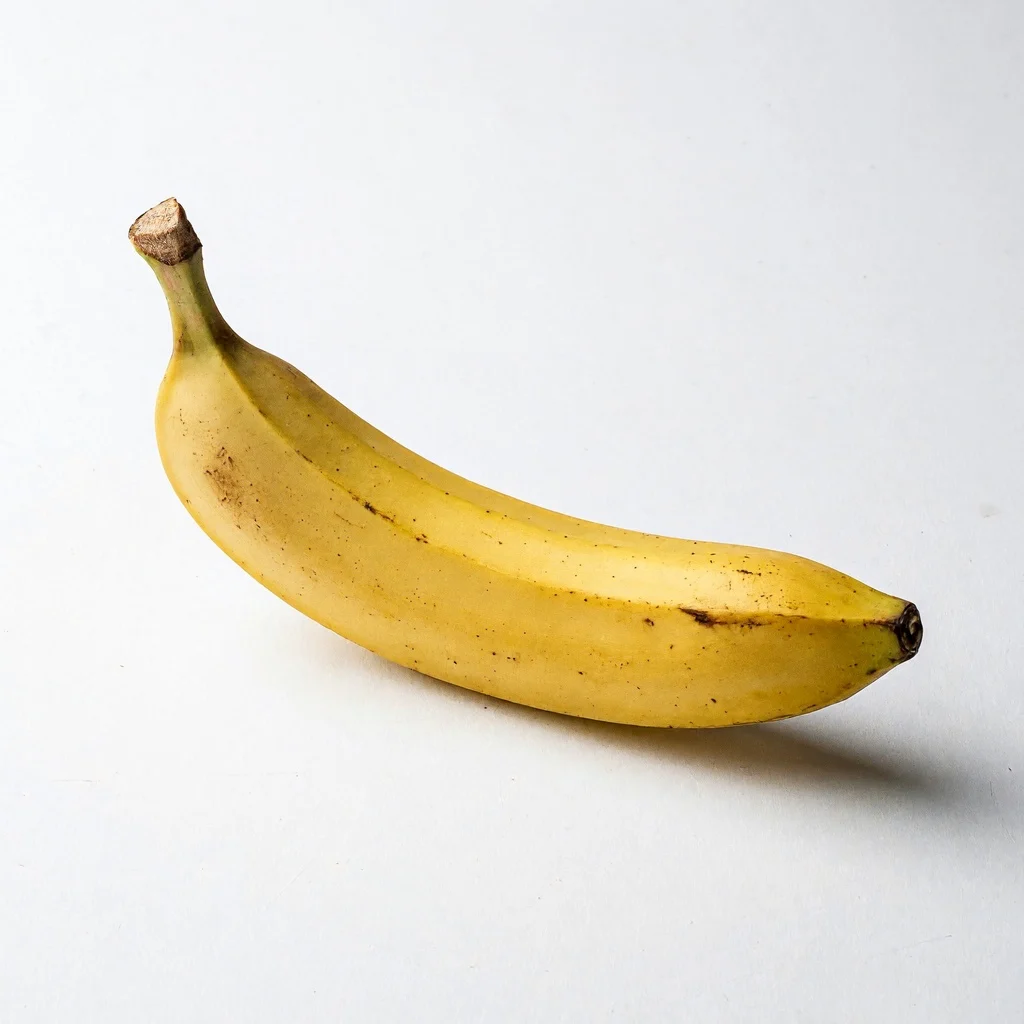
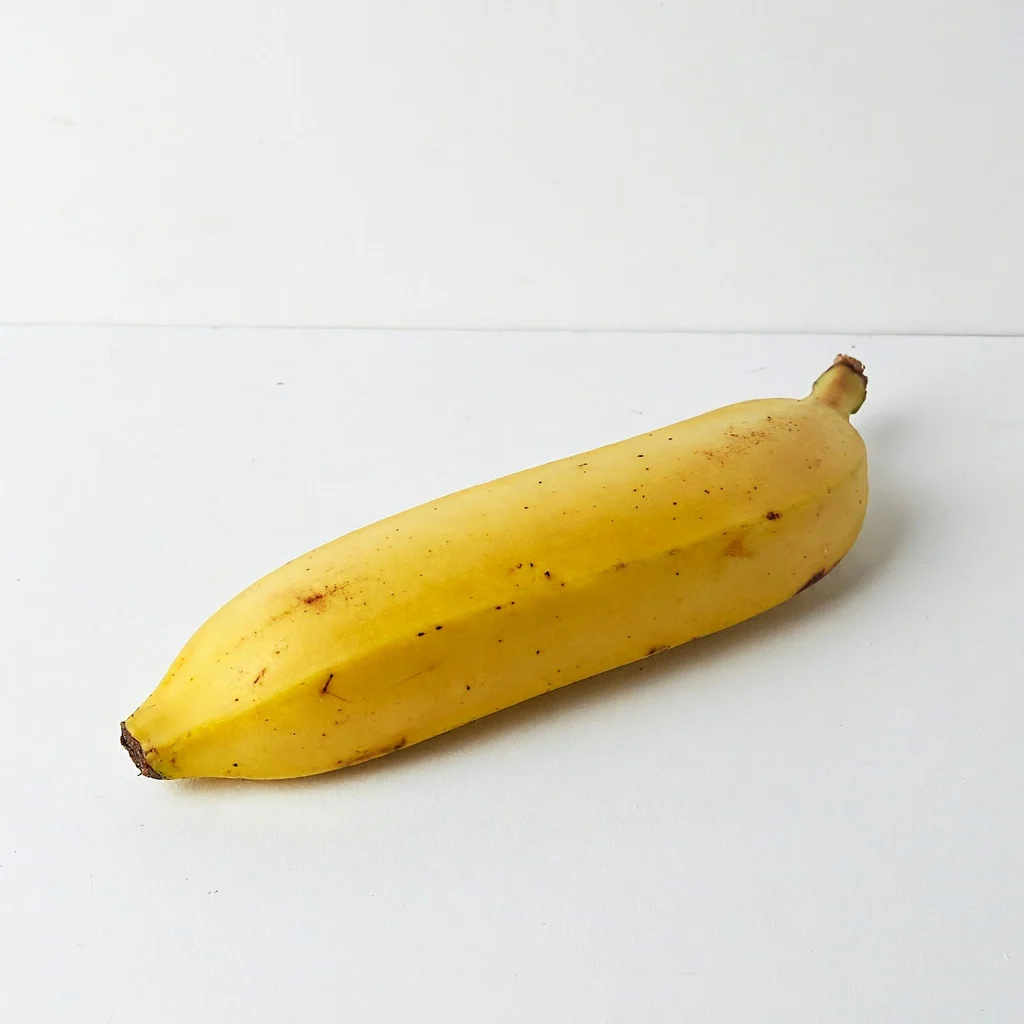
2K · 2048 × 2048 · 1 reference
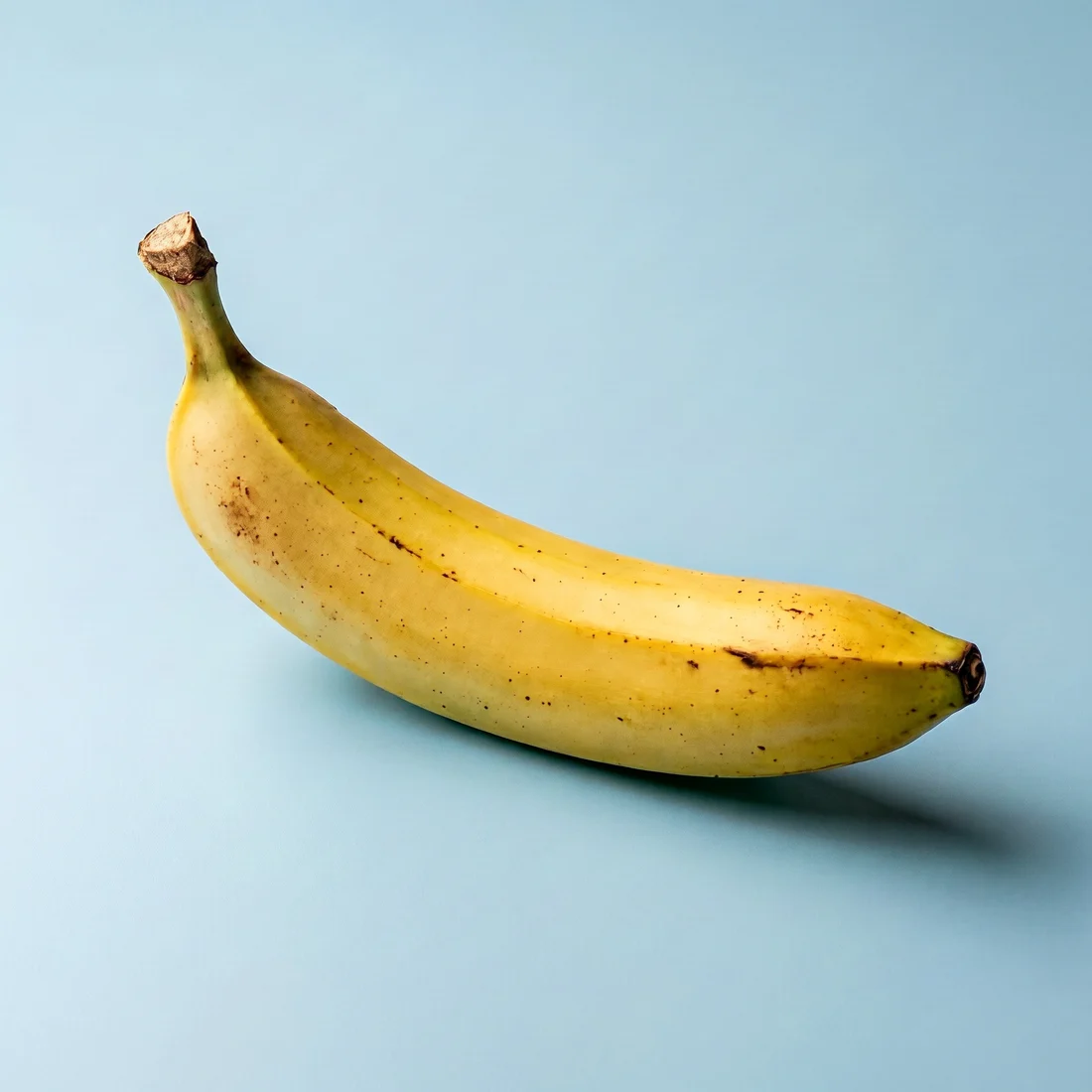
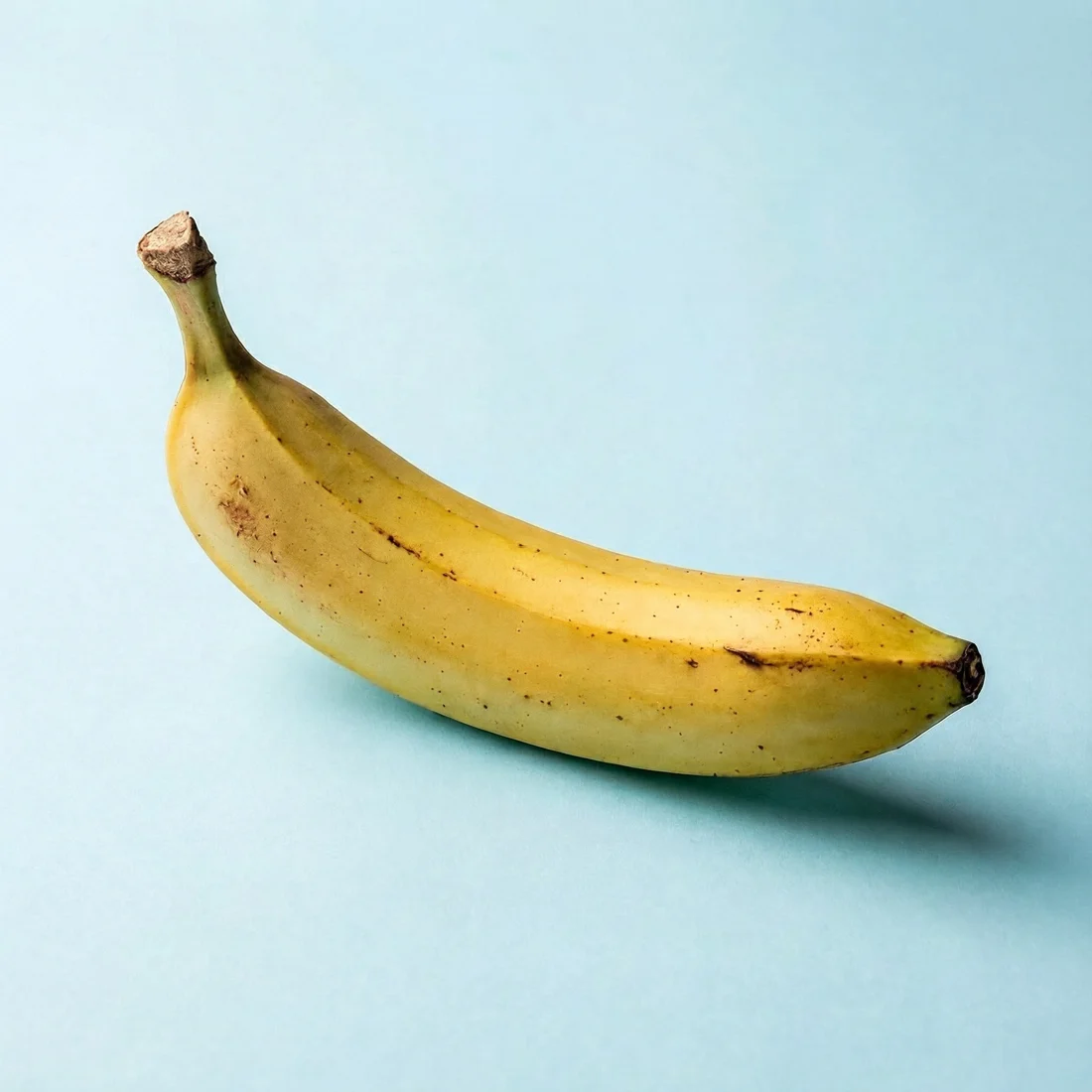
Use the banana in the reference image. Show a single yellow banana on a pale blue tabletop, studio product photograph, no text, square composition.
4K · 4096 × 4096 · 2 references
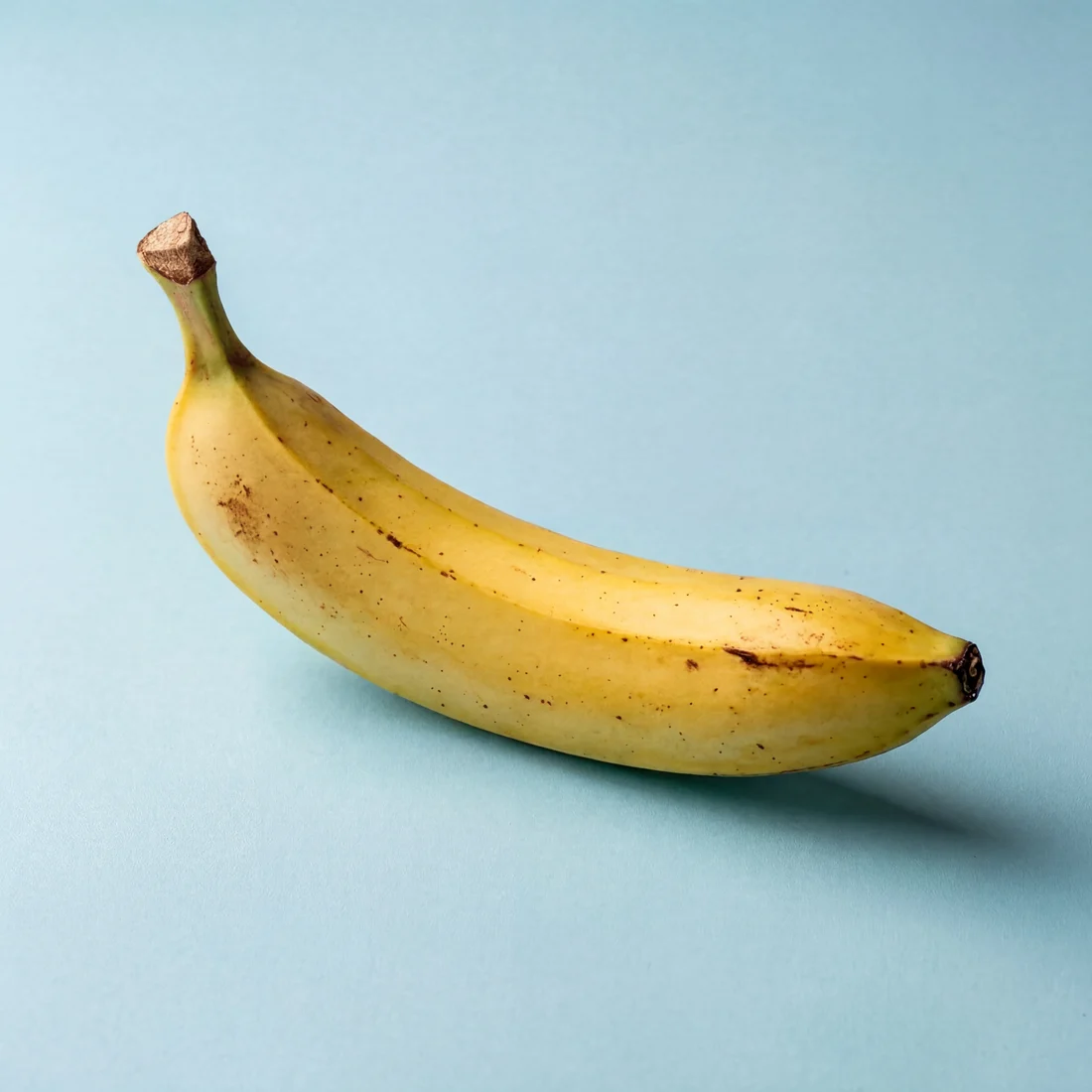
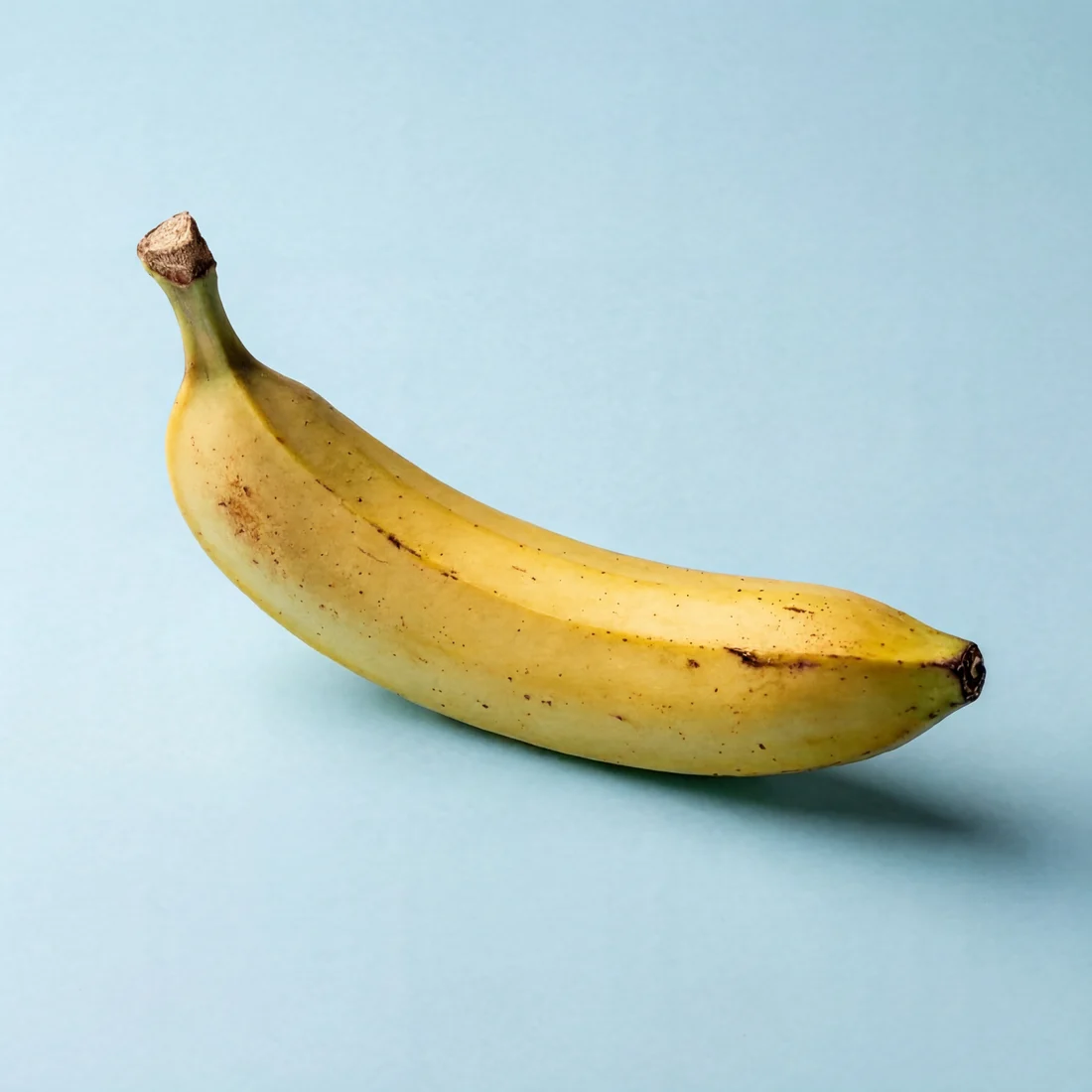
Use the banana in the reference images. Show a single yellow banana on a pale blue tabletop, studio product photograph, no text, square composition.
The images shown are resized copies of the original outputs. The listed dimensions are those of the original files. MiniMax H3 Image release notes
Make your first version
Prepare your references
- One product image you have permission to use. Keep the outline and label in view.
Steps in AI Fantas
- Open the product photo workflow and upload your own reference.
- Choose an available image model and start with a square frame.
- Adapt the prompt to your tabletop, lighting and product. Check the credit quote before submitting.
- Place the result next to the original and inspect the product shape, lettering and contact shadow.
Open Studio Chat · Open Canvas · Read the help center
Practice with an available model
This adaptation is for the available workspace. Use your own reference image.
Product on a pale blue tabletop
Check the result before using it
- Compare the outline, proportions and fine detail with the input.
- Check the background color and the shadow where the item meets the surface.
- Read each label against the reference before publishing a product listing.
What to look for in the images
Both 2K outputs show one banana on a pale blue surface. The Standard sample has a tighter shadow beneath the banana, while the Highspeed sample casts a longer shadow to the right. Compare the stem, curve, spots and contact shadow against the reference. The two reference images came from our earlier generated samples.
What the timing covers
Highspeed took five fewer seconds in each pair according to the provider task receipts. We ran one job per version and condition. These times cover those particular tasks. Uploads, app queues and delivery can add further time. The 4K pair also used an extra reference, so compare the versions within each pair.
If the first result needs work
If the product shape changes, use a sharper reference and simplify the prompt to change only the surface and lighting. Check packaging separately. The banana samples contain no label text.