
Qwen Image 3.0 Pro Tutorial · Redesign a layout and proofread fixed text
The returned image is 2048 × 2048. The square result keeps the red circle, blue block and LOCAL TEST 0 headline under the shapes. State the exact wording and expected position in your prompt, then verify it against the reference, including zero versus the letter O.
This opens a draft. Choose Qwen Image 3.0 Pro in the workspace and add your own reference if needed.
Test media and settings
This is an AI Fantas test of KIE Qwen3 Pro image-to-image. The workspace Pro Fast route uses APIMart.
AI Fantas test
· Requested 2k · 2048 × 2048 · 1 image references · Requested ratio 1:1
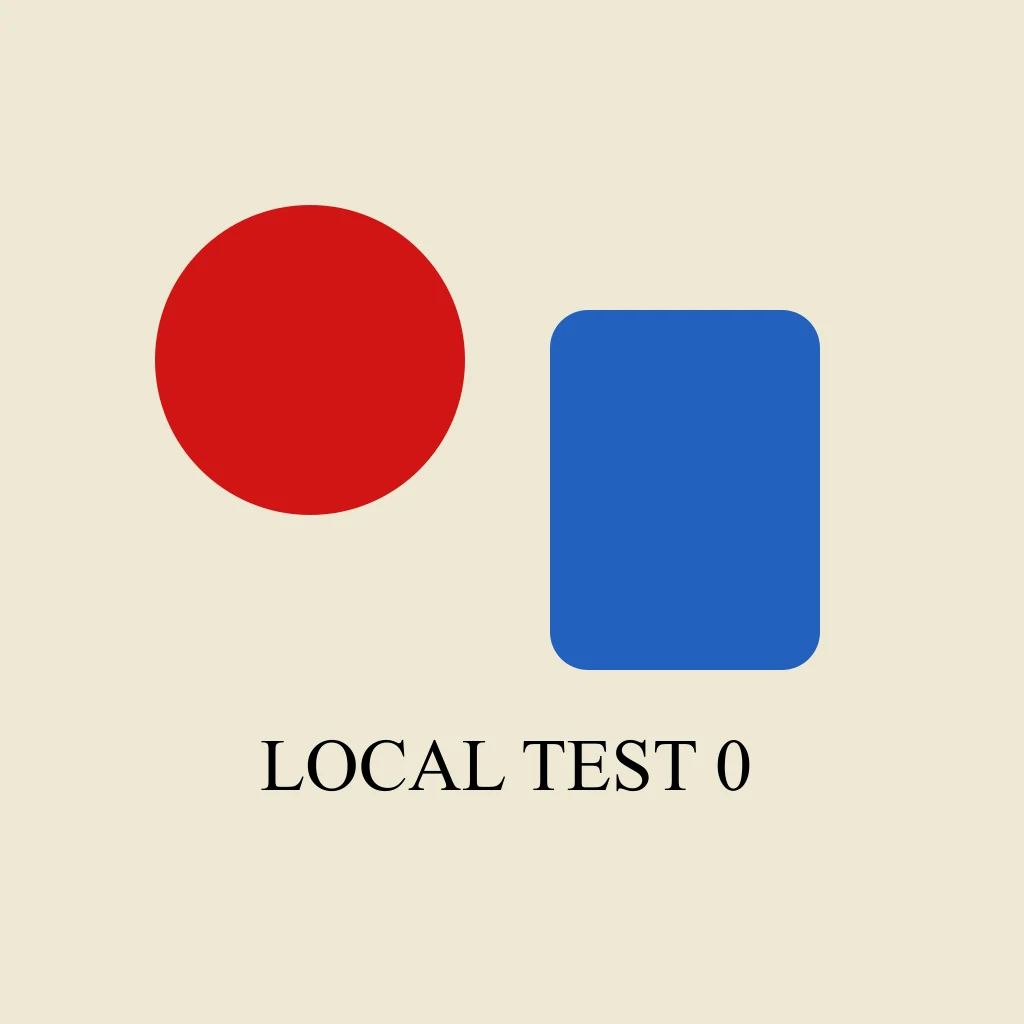
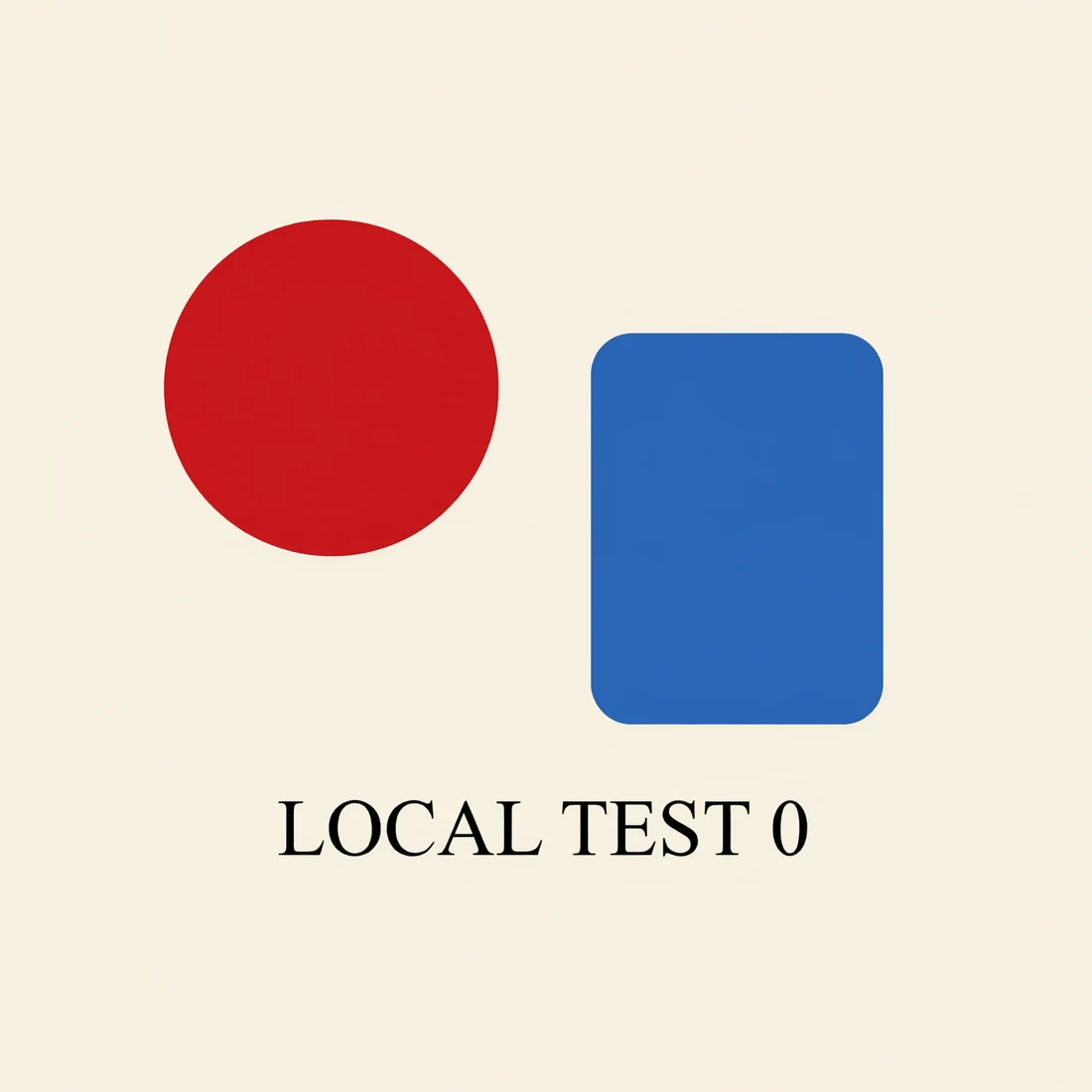
Create a clean poster with the reference shapes, preserving their distinct colors.
The images shown are resized copies of the original outputs. The listed dimensions are those of the original files. See the workflow on AI Fantas
Make your first version
Prepare your references
- Prepare the image or clip described in the prompt and check its usage rights.
Steps in AI Fantas
- Open the product detail page workflow, switch to image mode and choose Qwen Image 3.0 Pro.
- Choose your delivery crop. Attach your own image if your exercise requires a reference.
- Generate one candidate from the practice prompt. Inspect the subject, lighting or layout.
- Preview the intended crop, then verify the exported dimensions and format.
Open Studio Chat · Open Canvas · Read the help center
A prompt you can adapt
Replace bracketed placeholders with your real product information. Available reference counts, aspect ratios, resolutions and prices depend on the model selected in the workspace.
Redesign a layout and proofread fixed text
Check the result before using it
- Proofread the headline character by character and check the spacing between it and the shapes.
- Verify that the subject stays visible at the delivery crop.
- Compare with the real item or approved source before finalizing.
Review the output
Proofread the headline character by character and check the spacing between it and the shapes.
If the first result needs work
If the intended edit moves too far from the input, reduce the request to one change and compare with the source at the final display size.