
Seedream 5.0 Flash Tutorial for Window-Lit Food Photos
We used Seedream 5.0 Flash to generate a 1024 × 1024 banana still life. Its white table and shadow extending to the right make it easy to study window light and cropping.
This opens a draft. Choose Seedream 5.0 Flash in the workspace and add your own reference if needed.
AI Fantas test images and original prompts
AI Fantas ran one text-to-image test with Seedream 5.0 Flash and no uploaded reference. The output demonstrates a lighting and framing draft.
A square window-lit still life
· 1:1 · 1024 × 1024 · No image reference
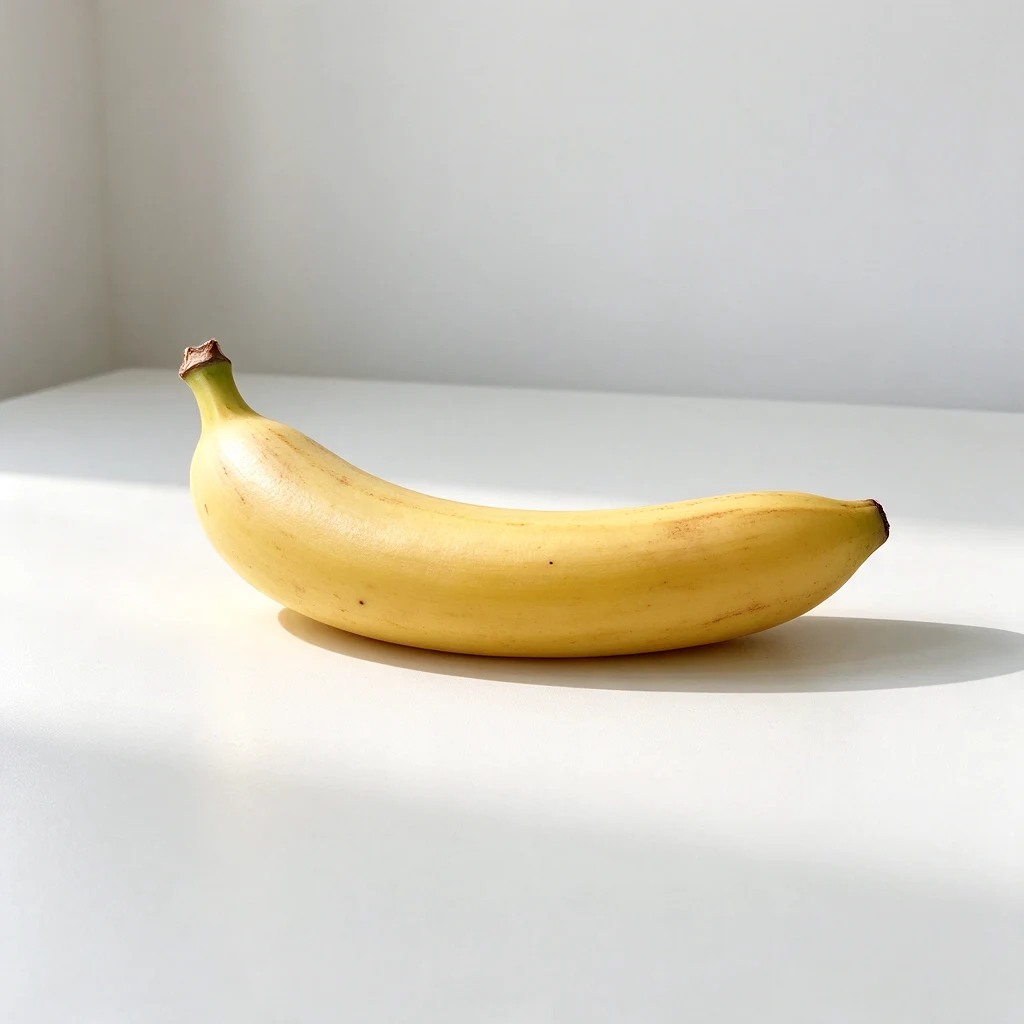
A studio product photograph of one yellow banana on a white table, soft natural daylight, no text.
The images shown are resized copies of the original outputs. The listed dimensions are those of the original files. KIE documentation for Seedream 5.0 Flash text-to-image
Make your first version
Prepare your references
- One subject and the intended placement. For a listing, prepare a real product photo.
Steps in AI Fantas
- Open the product photography workflow and select Seedream 5.0 Flash in image mode.
- Make one square draft with a single subject and a single window light.
- Check the shadow length and add a fill or request a shorter shadow if needed.
- Use the real product as a reference for the final image and verify it before export.
Open Studio Chat · Open Canvas · Read the help center
A prompt you can adapt
Replace bracketed placeholders with your real product information. Available reference counts, aspect ratios, resolutions and prices depend on the model selected in the workspace.
Window-lit still life for one food item
Check the result before using it
- Check whether the cast shadow follows the main light.
- Check that the shadow leaves room for the subject and intended margins.
- Verify color, ripeness and portion size against the real product before using the visual in a listing.
Read the shadow before changing the prompt
The sample retains a simple background and a long shadow toward the right. Prompt for reflected fill or move the main light toward the front if the result needs a softer look. Change one variable at a time.
Keep the lighting idea when changing foods
Plan angle and spacing in the draft. Then attach a real source image and adapt the material description for fruit, baked goods or packaged items.
If the first result needs work
If the backdrop washes out the edges, use a slightly warmer white or add a gentle side light and inspect at the listing size.